
Press kit
Everything on this page is cleared for publication: the marks, the screens, and three lengths of the same description, taken word for word from this site so that a piece written from them says what Measur actually claims. Anything you need that is not here - another format, a question, someone to talk to - reach us at measur@measur.me.
Boilerplate
Copy any of these as they stand. Each one is a passage of this site, unedited.
In one line
Measur is an AI calorie tracking app for iPhone and Android.
In about fifty words
Measur is an AI calorie tracking app for iPhone and Android. Snap your meal and it identifies the foods, estimates the portions, and logs calories and macros in seconds. Measur is local-first: your food diary lives on your phone, and one switch backs it up to your own account. The tracker costs nothing, for good.
In about a hundred and fifty words
Measur is an AI calorie tracking app for iPhone and Android. Snap your meal and it identifies the foods, estimates the portions, and logs calories and macros in seconds. Take a photo of your plate, scan a barcode, or just say "two eggs on toast". Your day fills a calorie gauge and macro meters against a personal target computed from your body and goal. Measur measures your Maintenance Calories from your own weigh-ins and logged days, and offers you a corrected target when they say the old one was wrong. Your country's own food table stands behind the numbers, with USDA FoodData Central and Open Food Facts beside it. Measur is local-first: your food diary lives on your phone, and one switch backs it up to your own account. The tracker costs nothing, for good. Measur Pro adds the AI.
The facts
- Made by
- innonova GmbH, Switzerland
- Availability
- Coming soon on iOS and Android.
- Store name
- Measur - AI Calorie Counter
- Store subtitle
- Food Diary & Macro Tracker
- Website
- measur.me
- Privacy policy
- measur.me/privacy
- Contact
- measur@measur.me
The name and the marks
The brand line is Measur - Cut the excess, name then slogan. Please use the files as they are: the icon is not redrawn or recoloured, and the name is not set in another typeface.


- App icon ↓The app's own icon, square, on its own background. PNG.
- Lockup for a light background ↓Icon, name and slogan as the site sets them. PNG with a transparent background.
- Lockup for a dark background ↓The same lockup in the colours the app wears in dark mode. PNG with a transparent background.
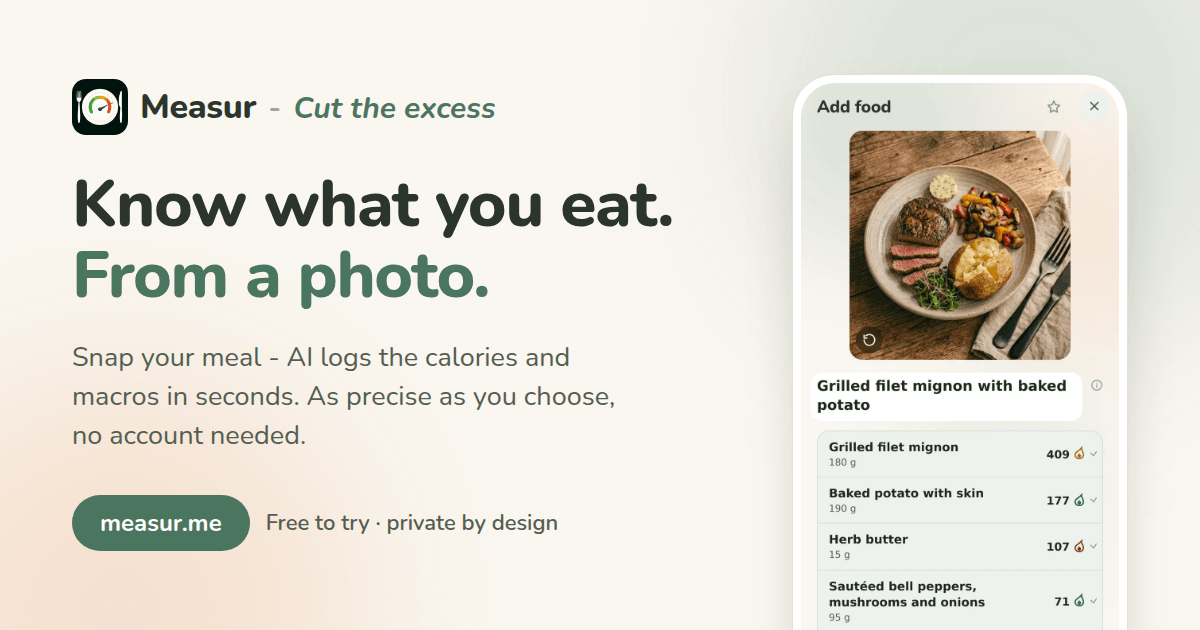
- Social card ↓The wide card the site shares itself with, for a header image.
The screens
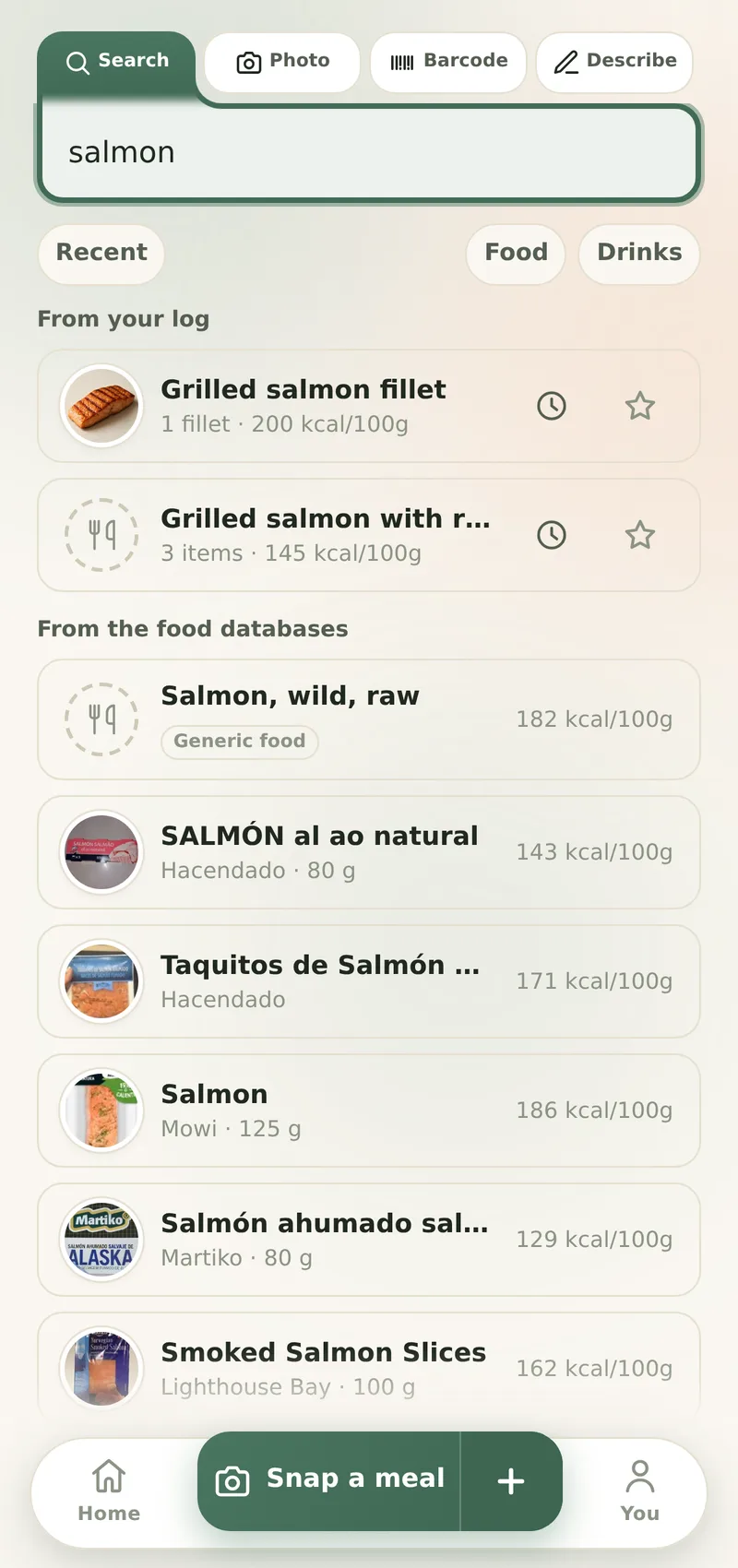
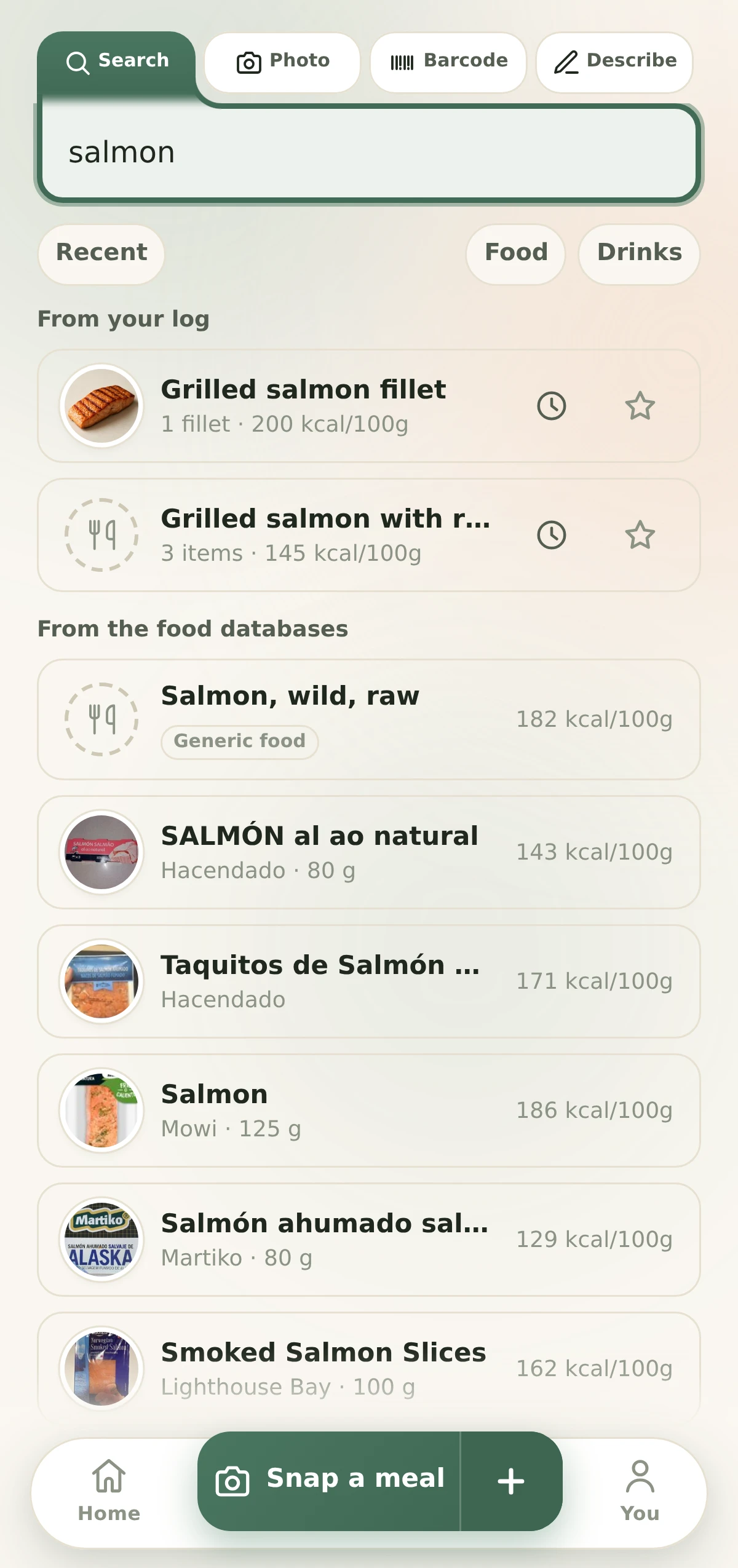
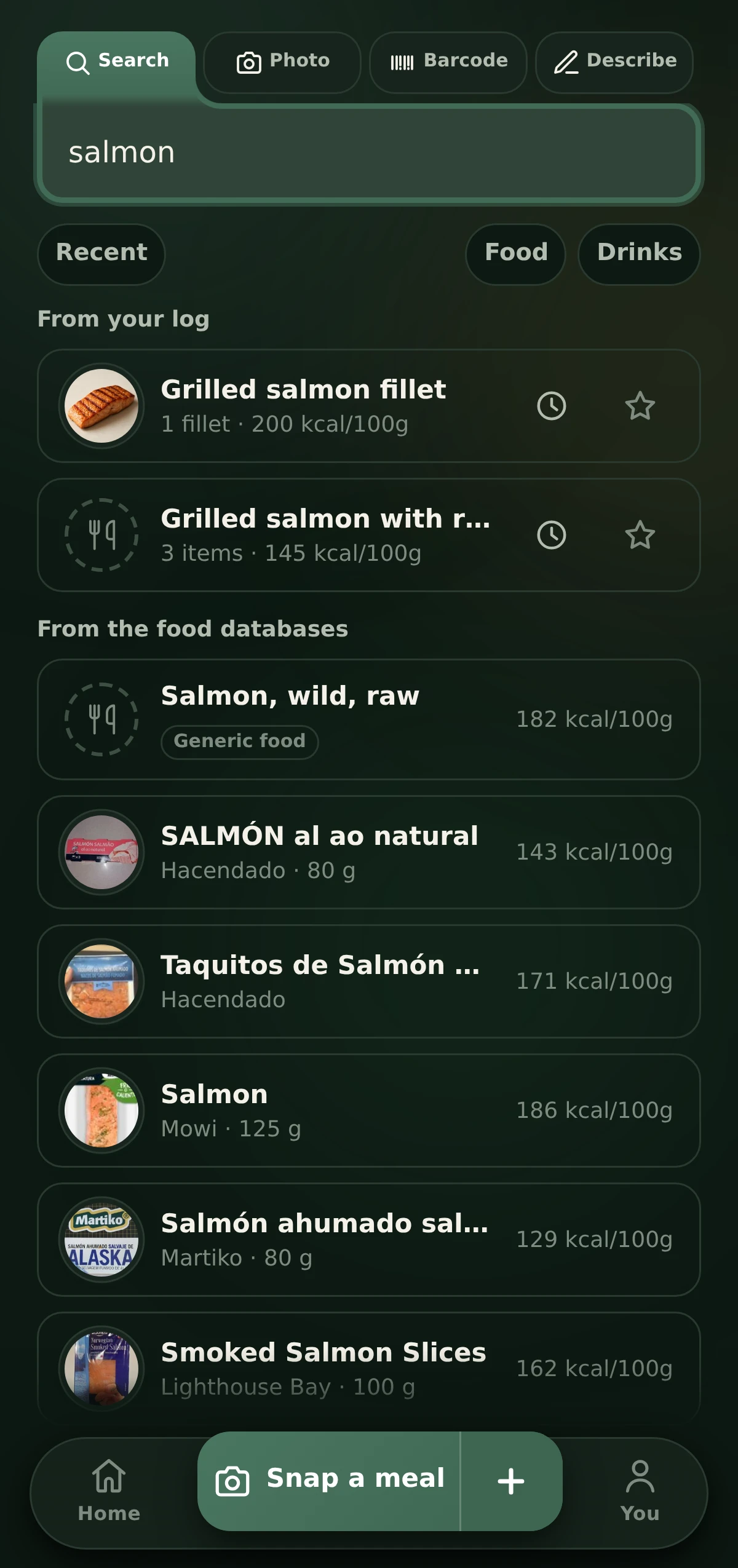
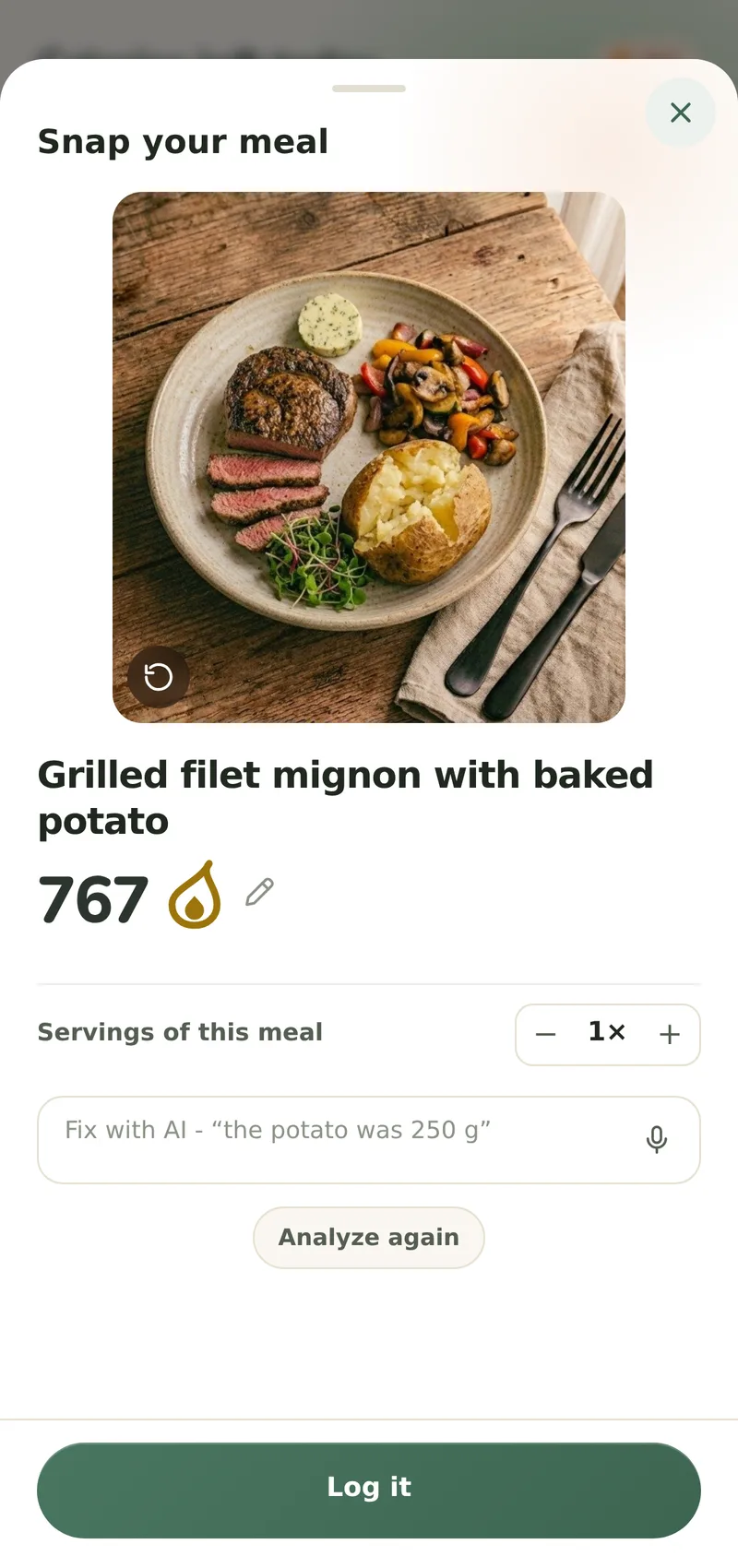
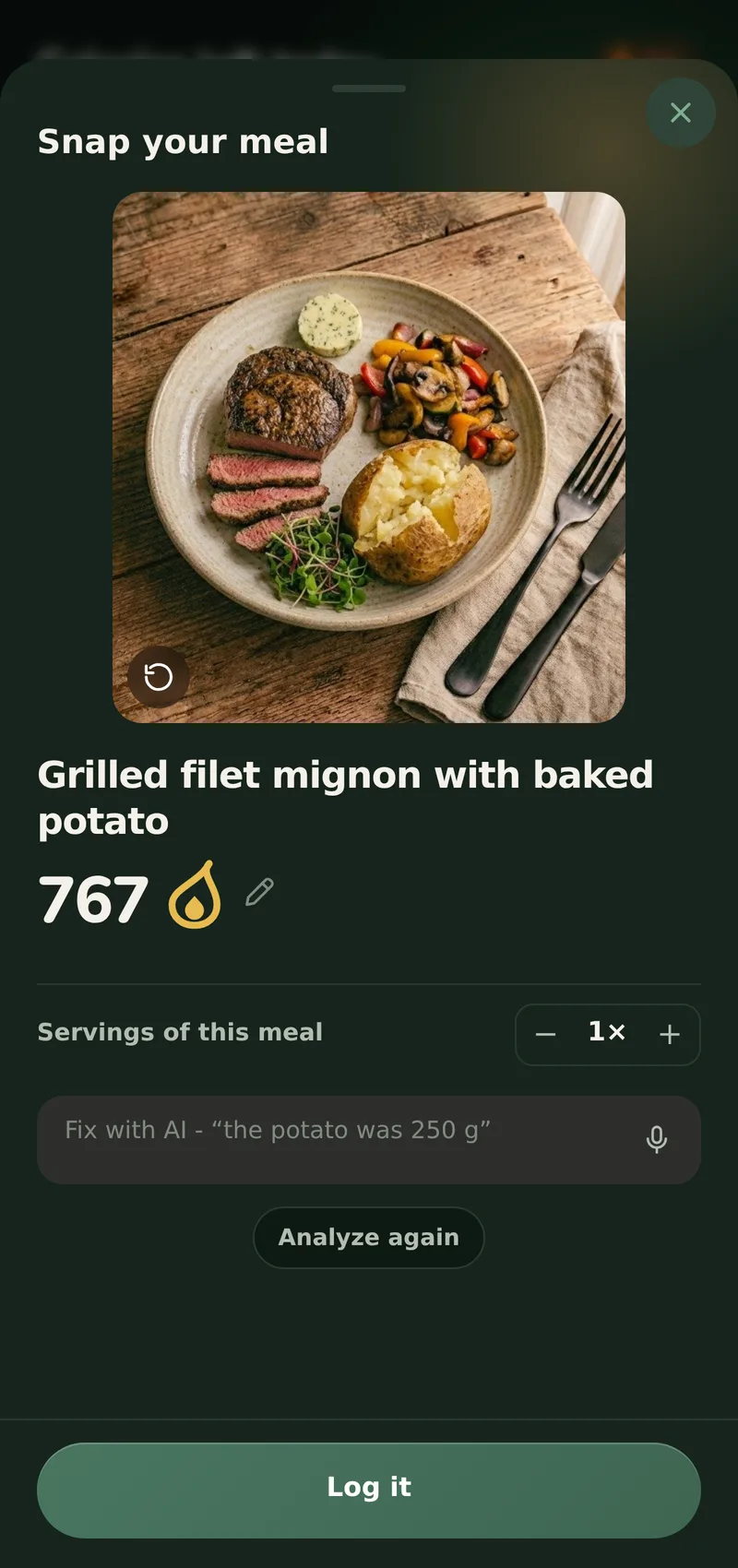
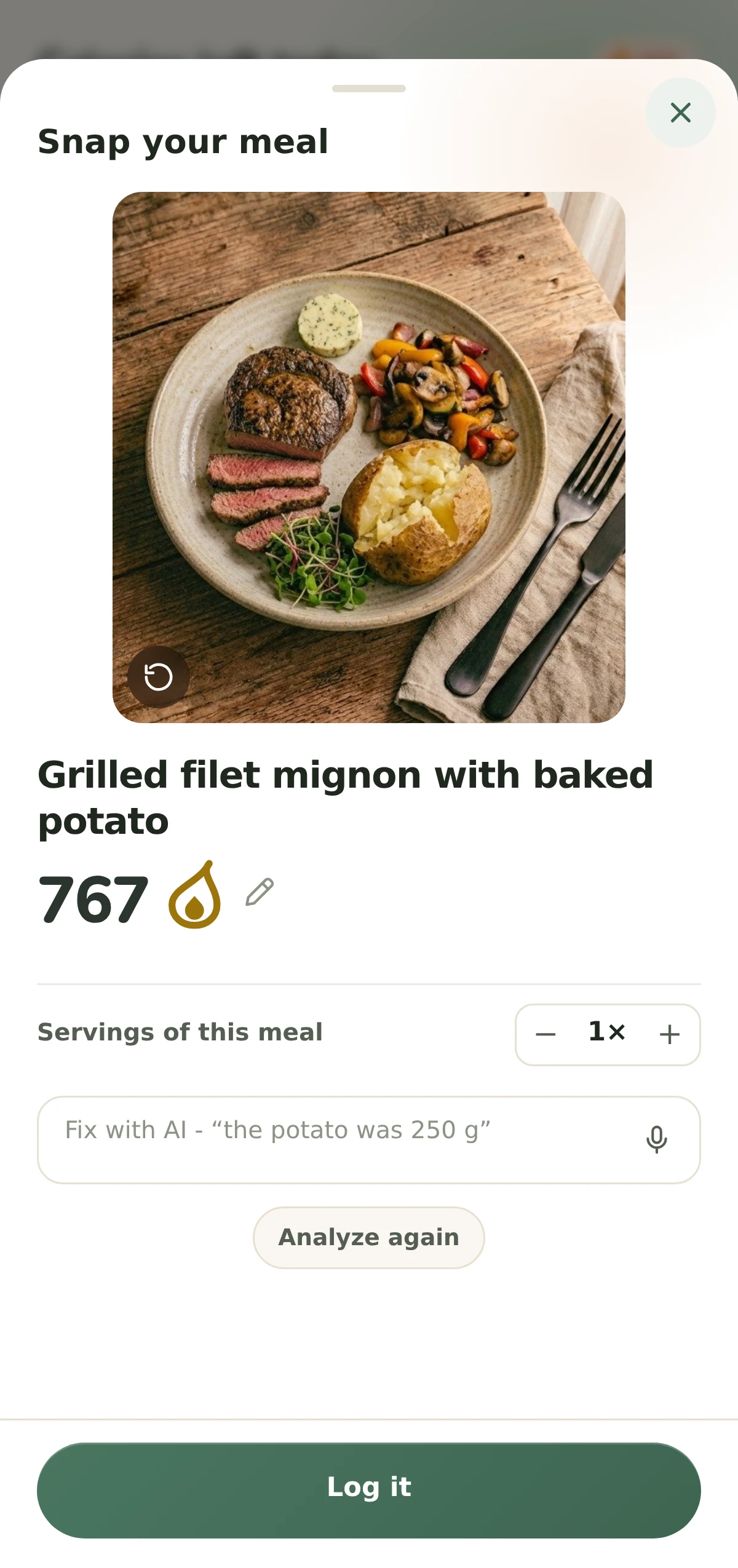
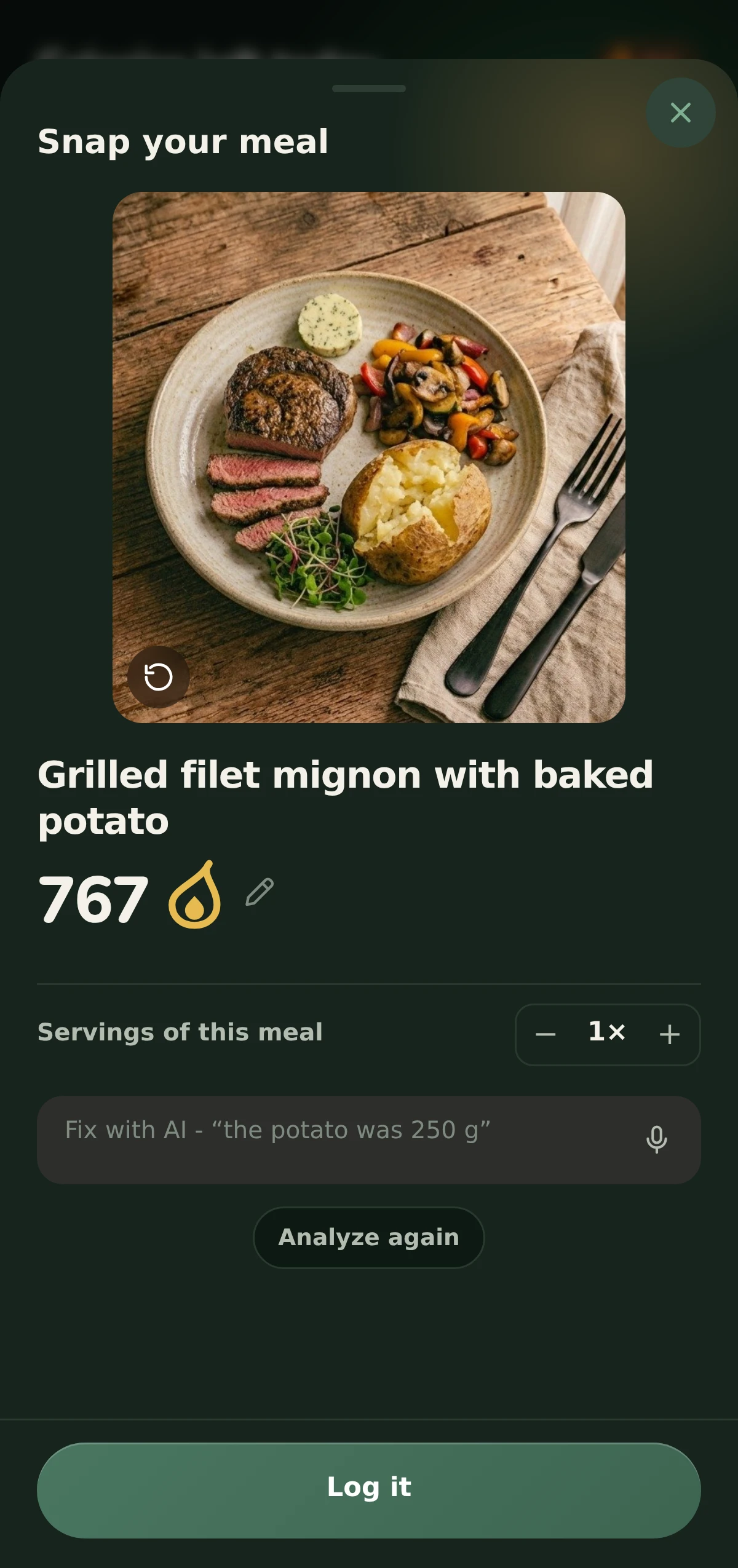
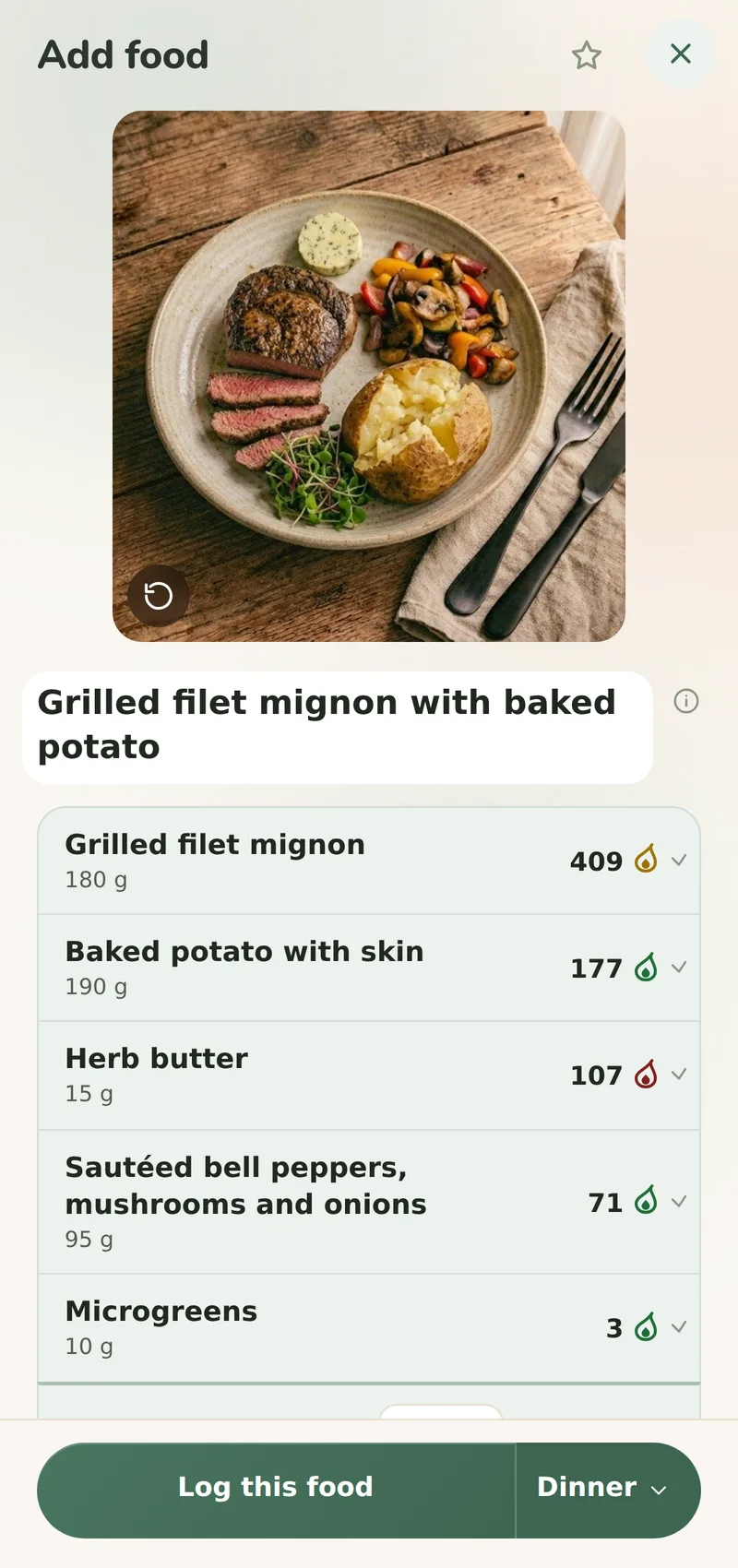
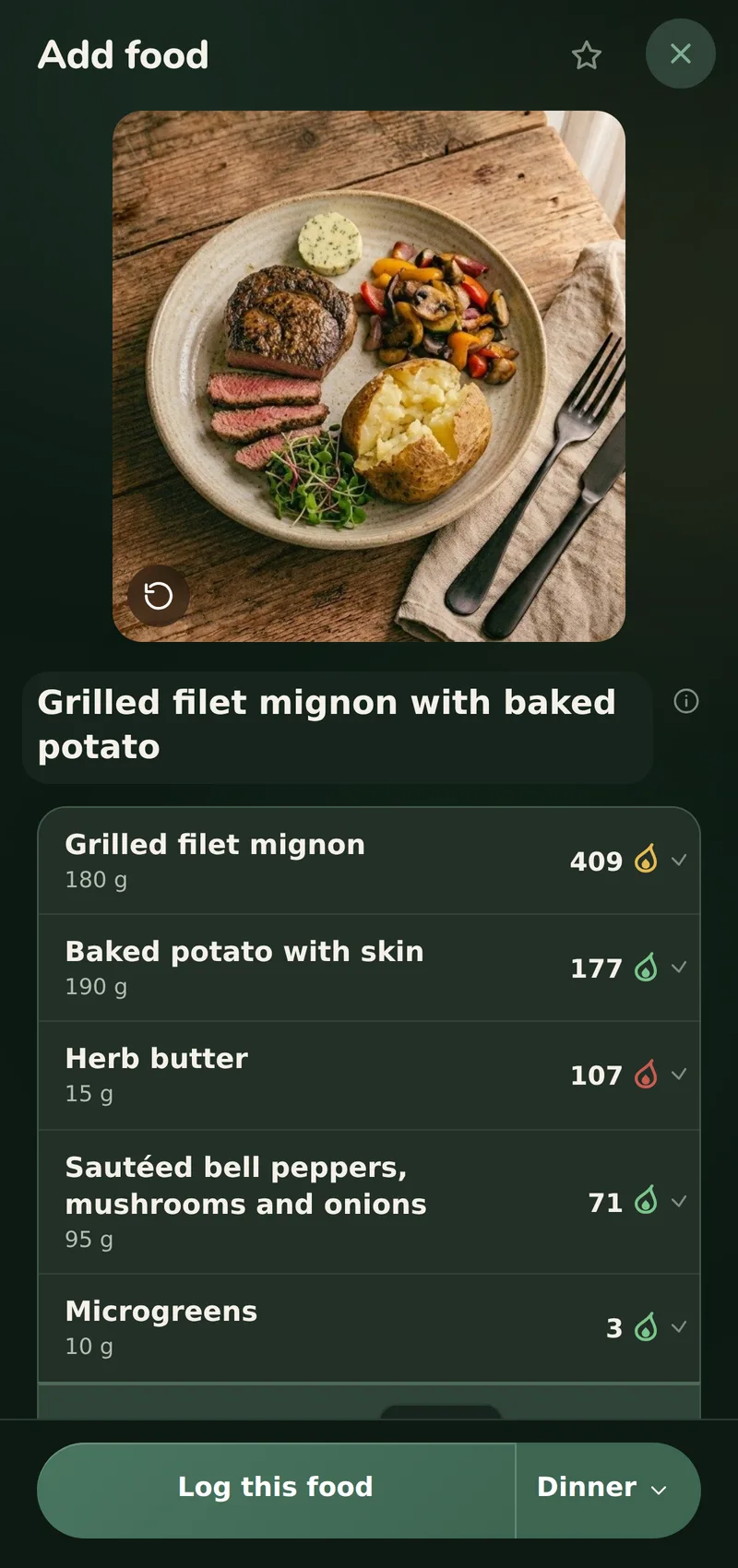
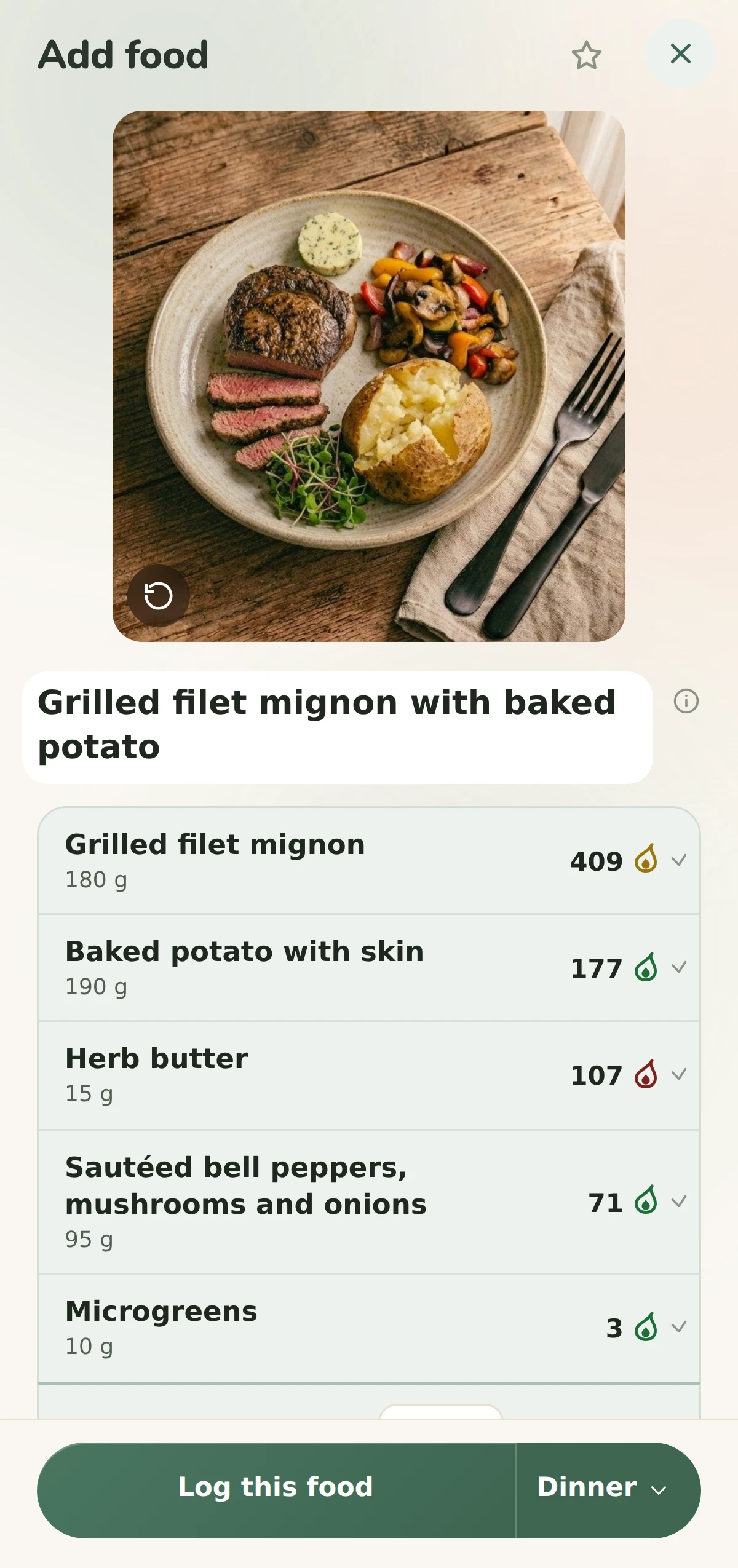
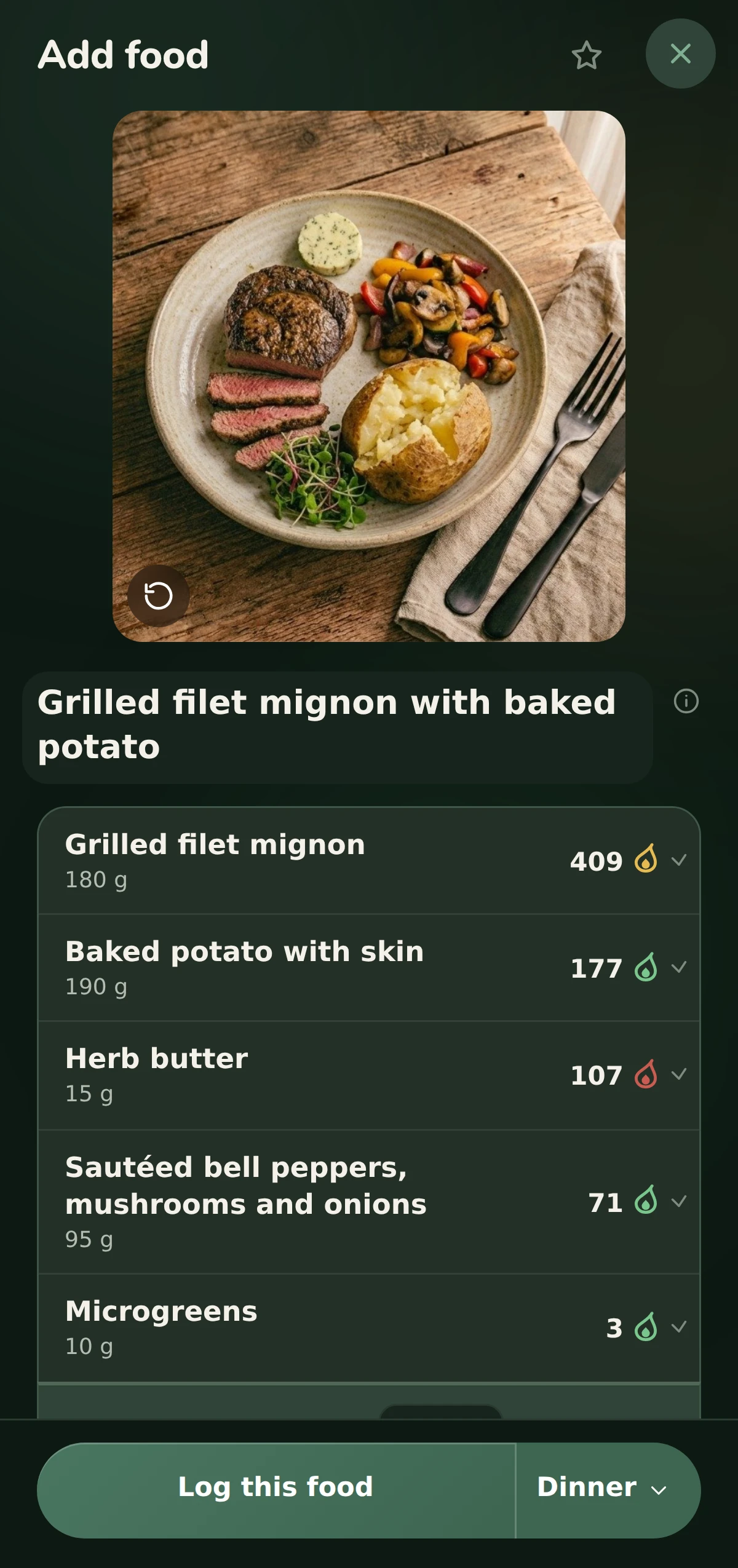
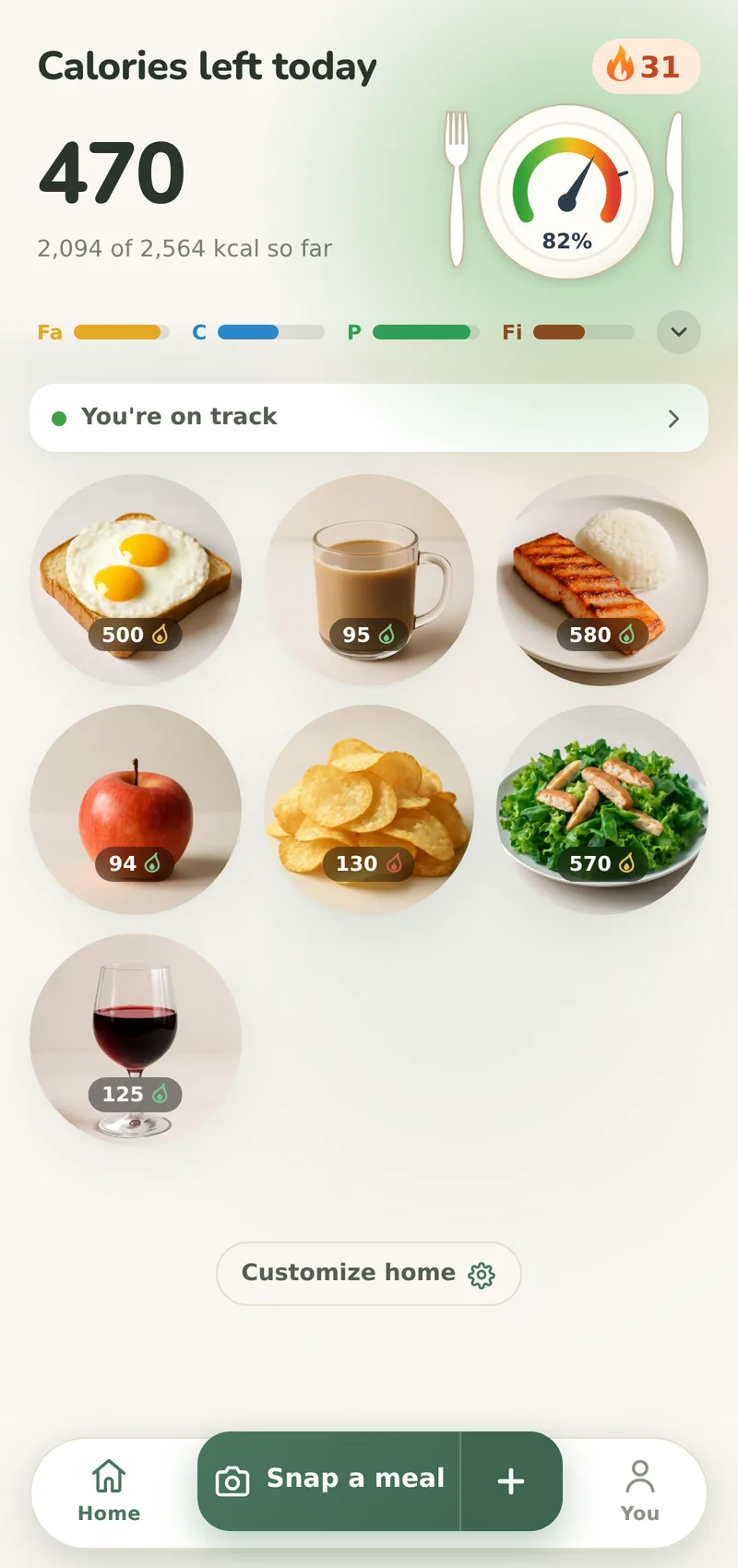
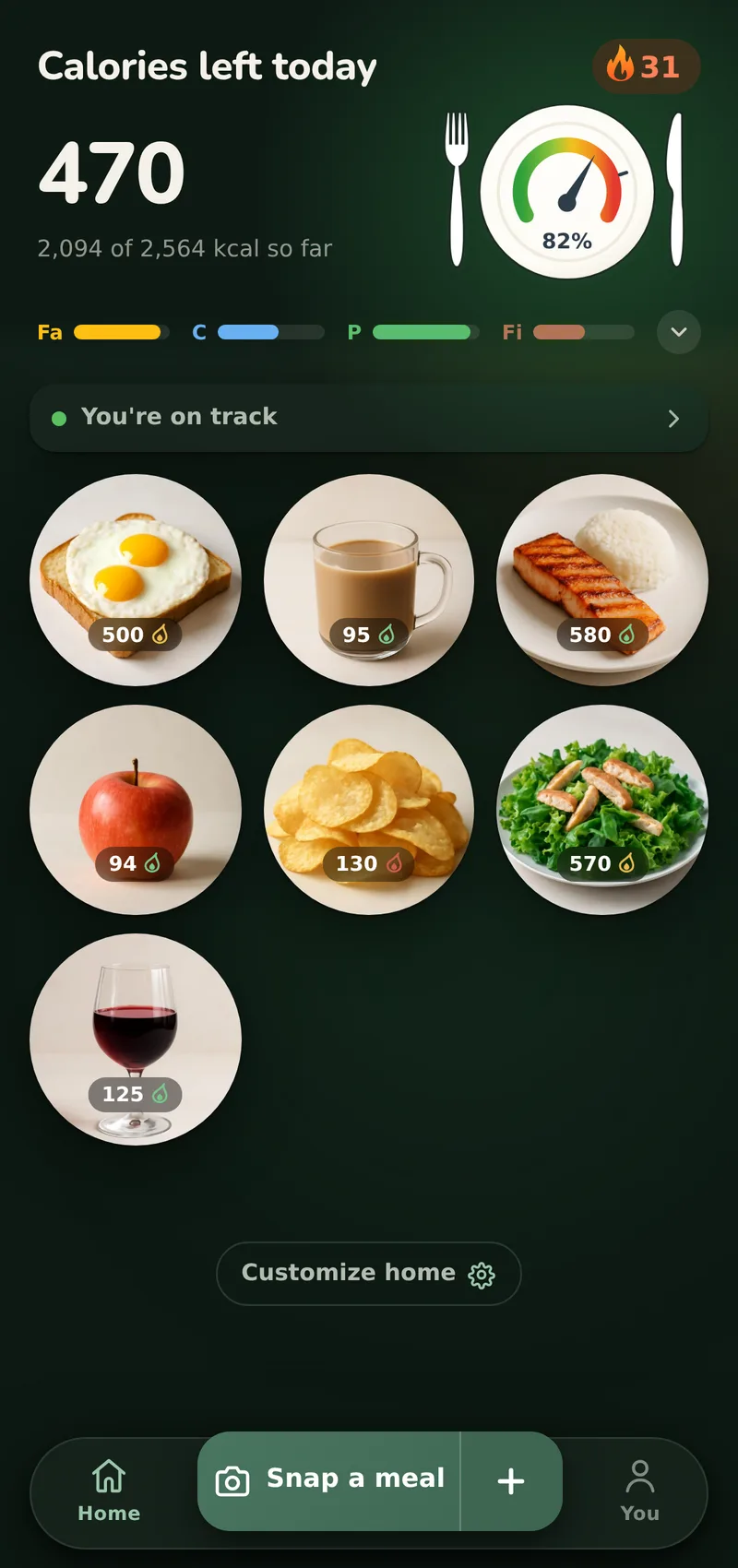
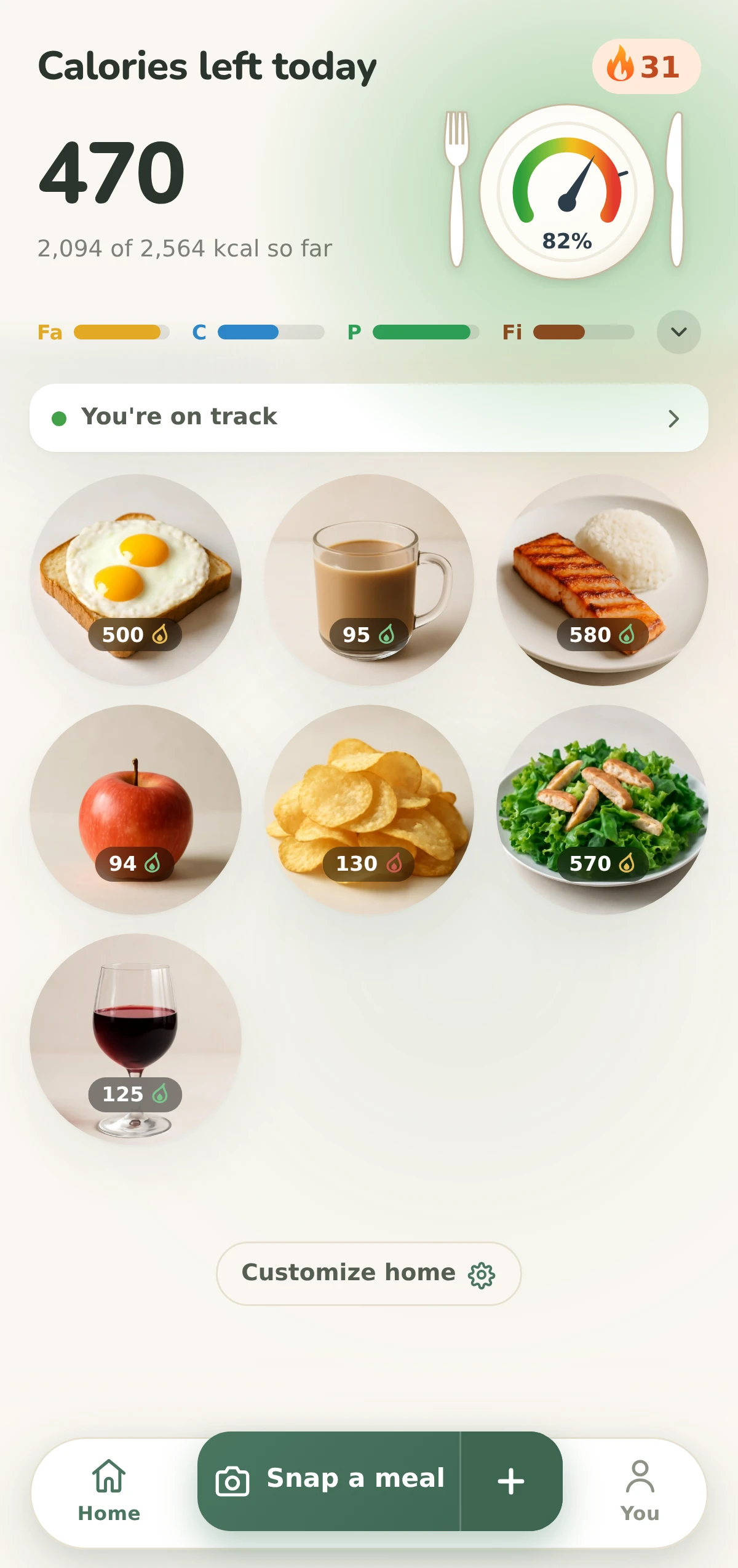
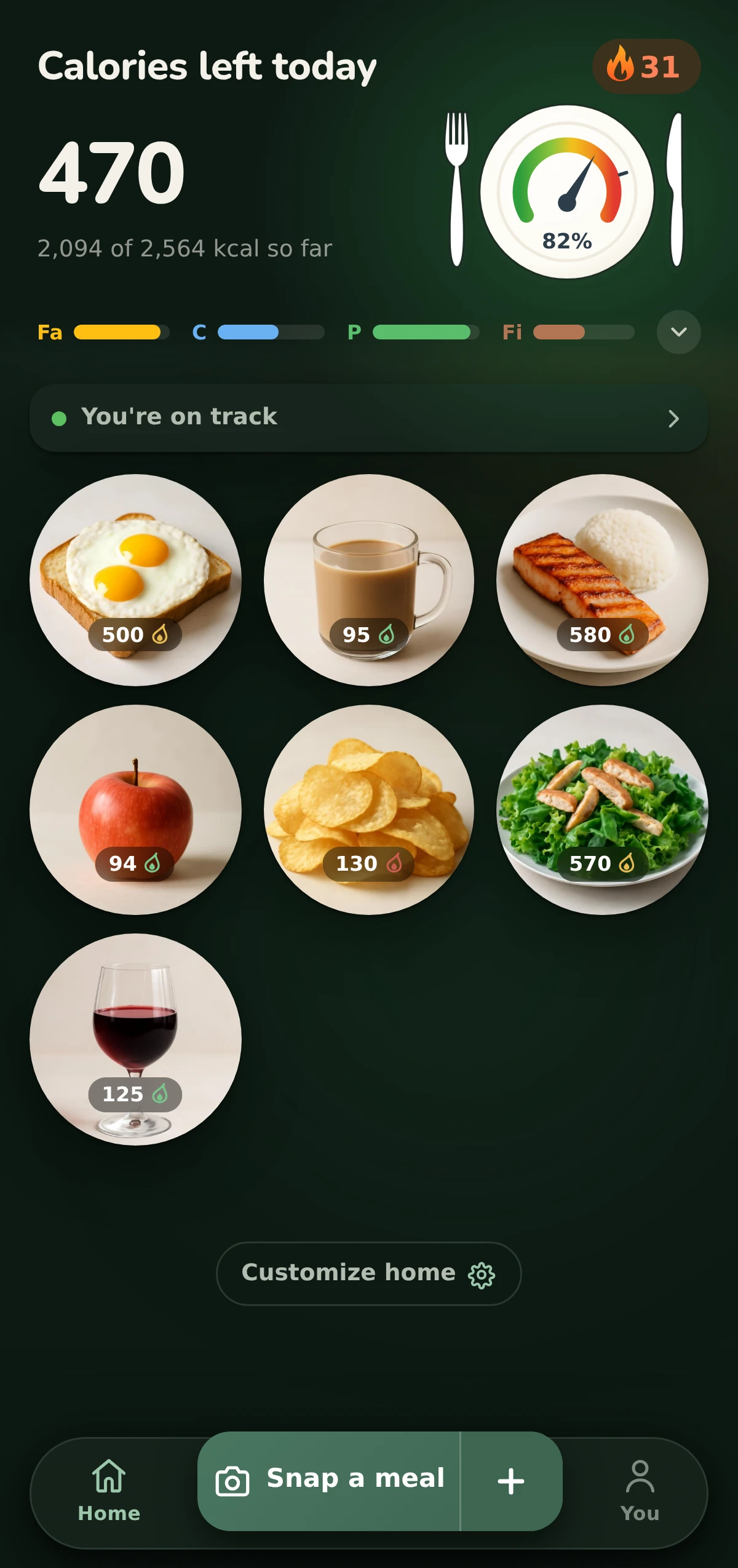
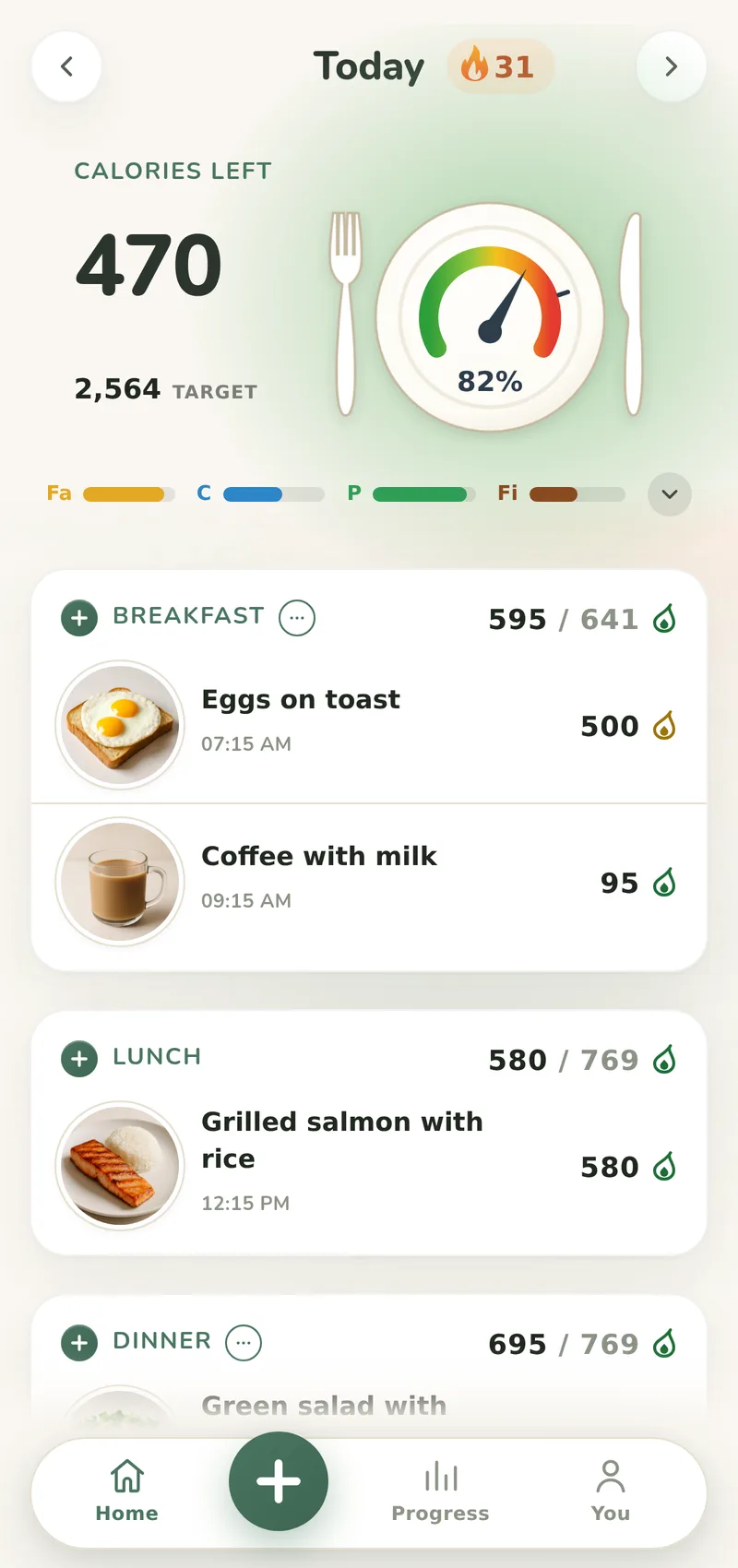
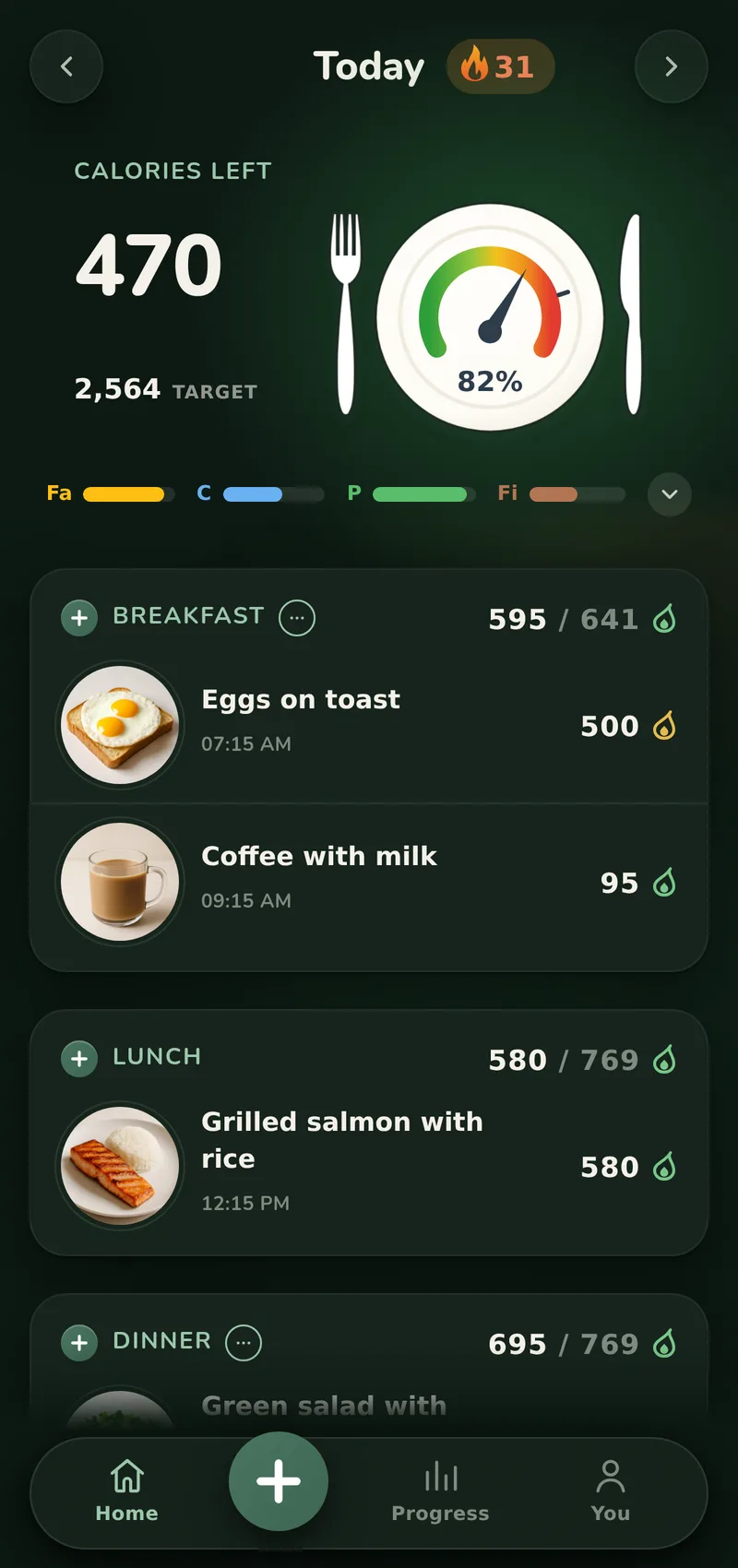
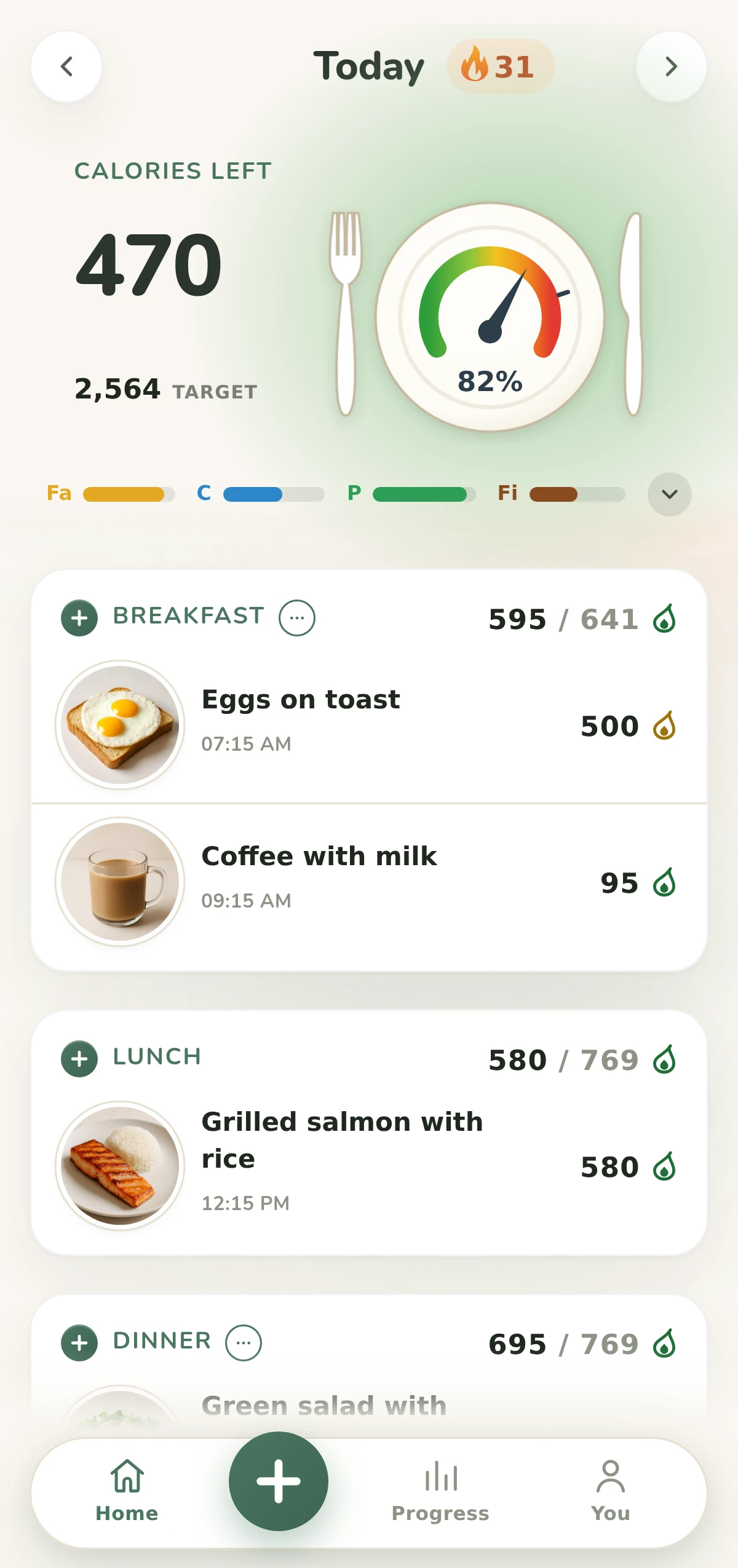
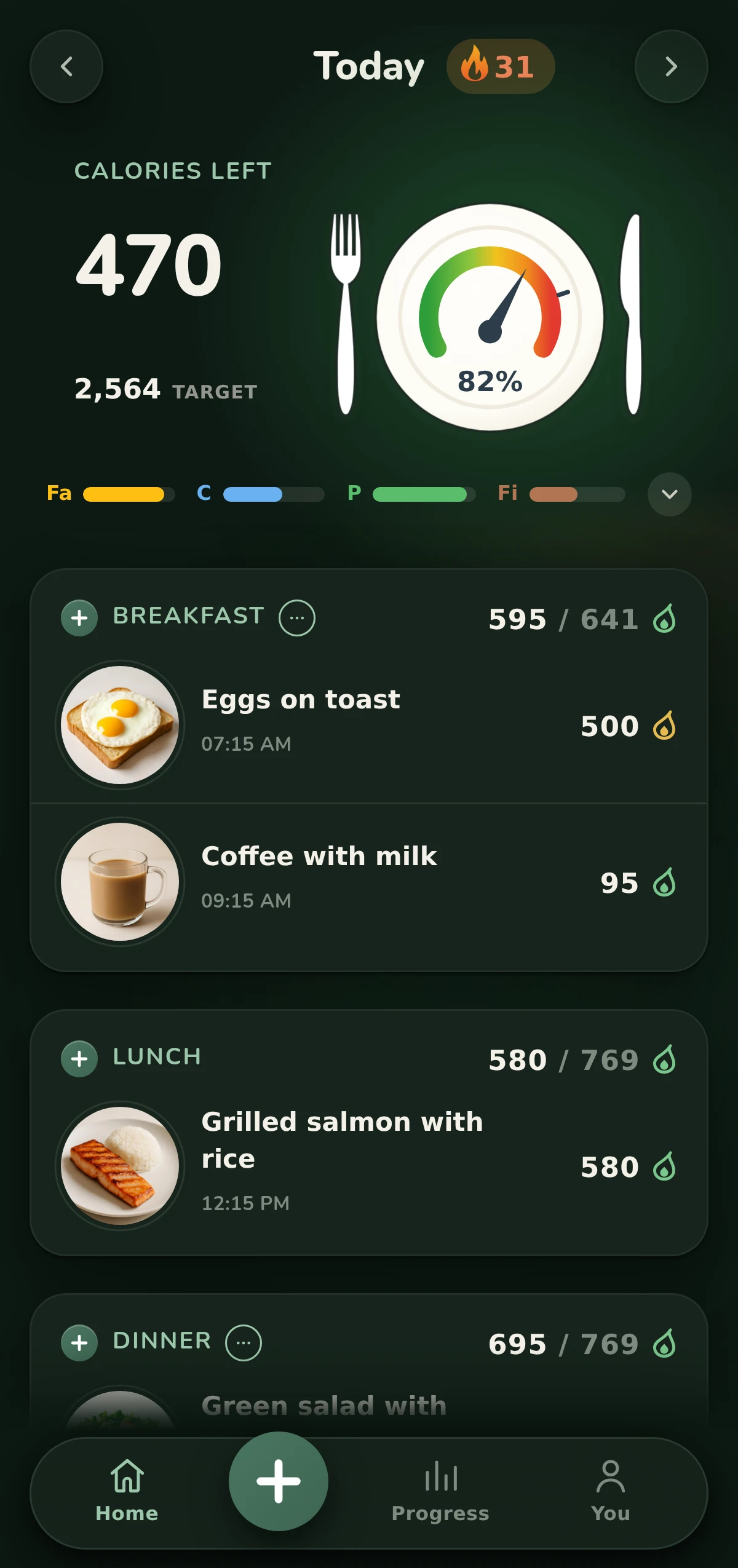
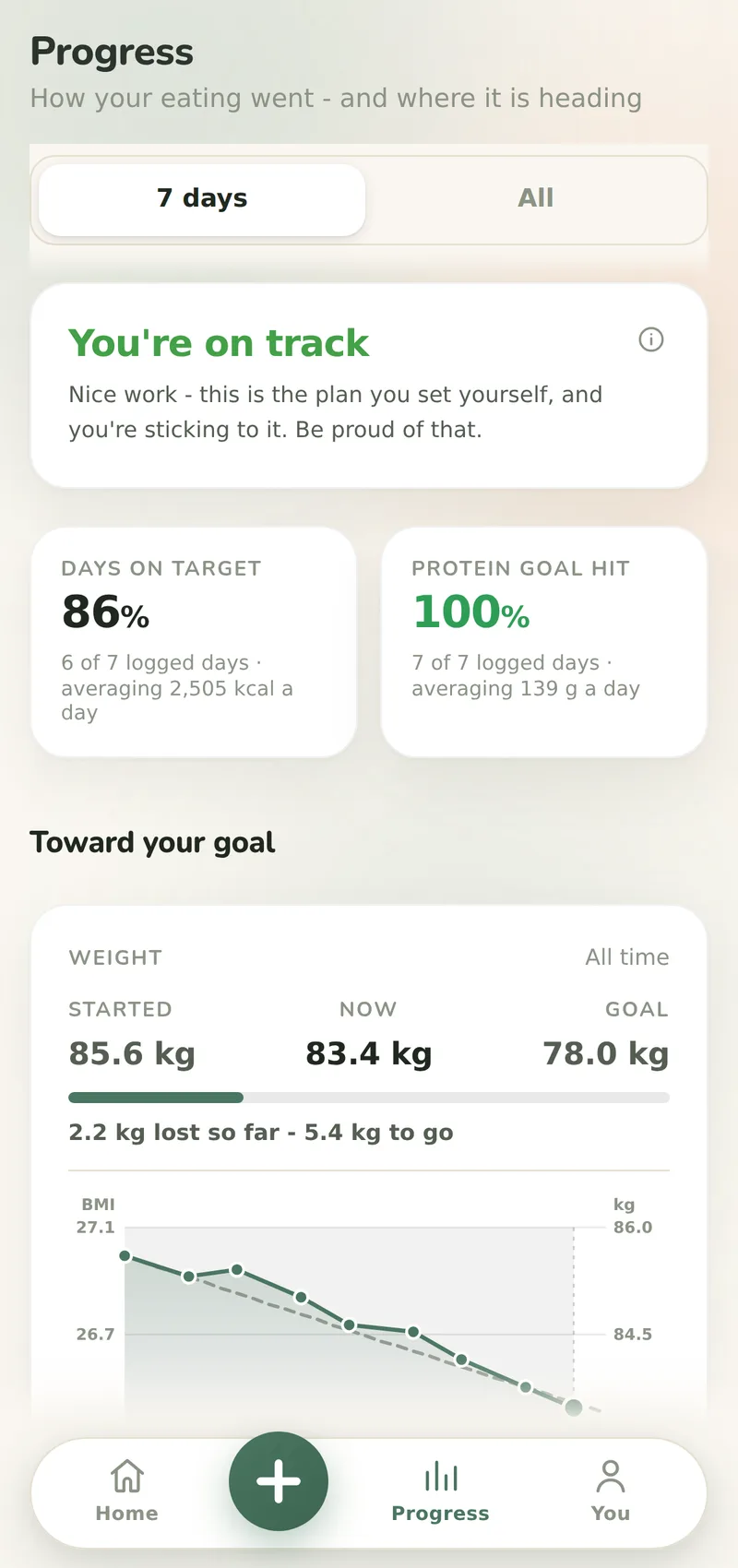
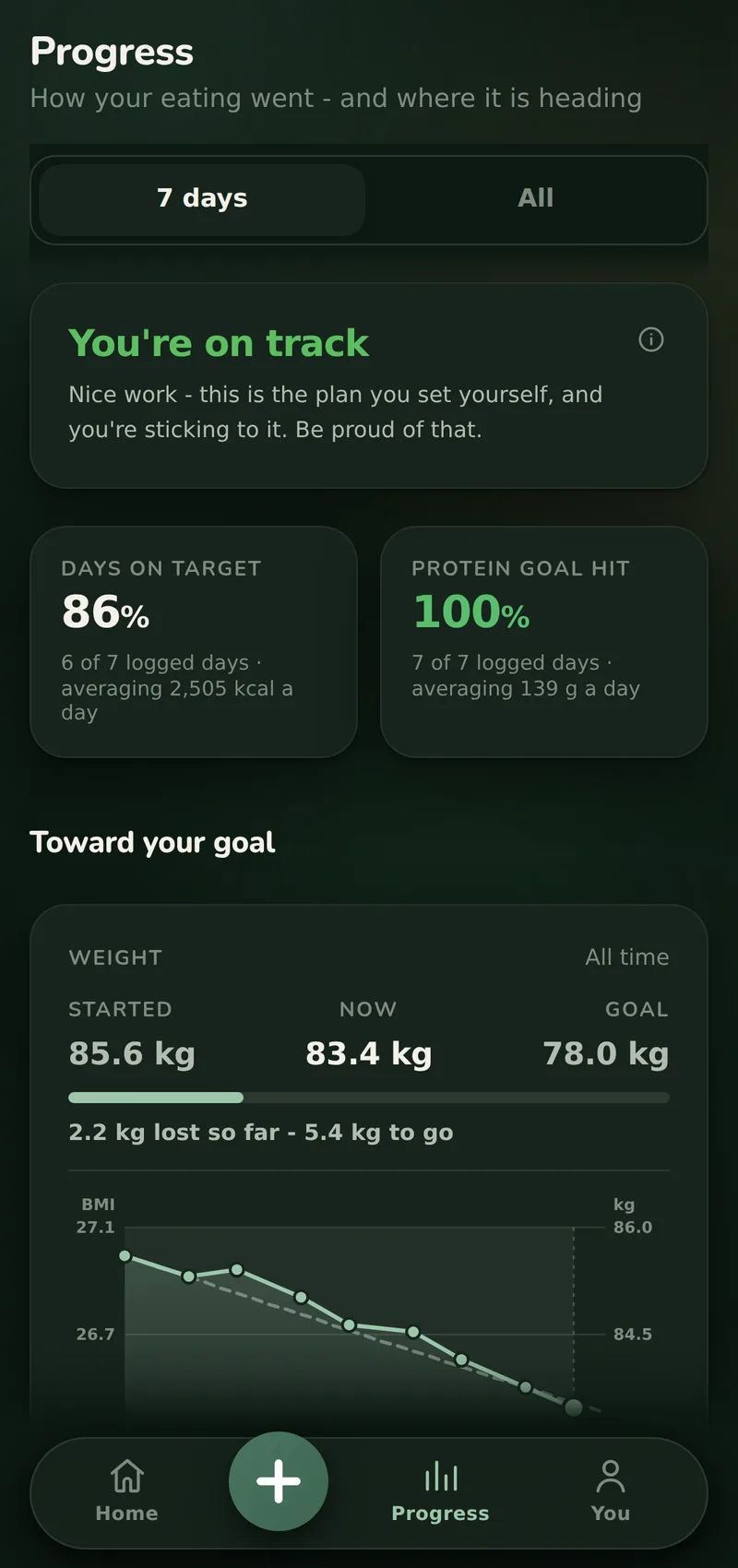
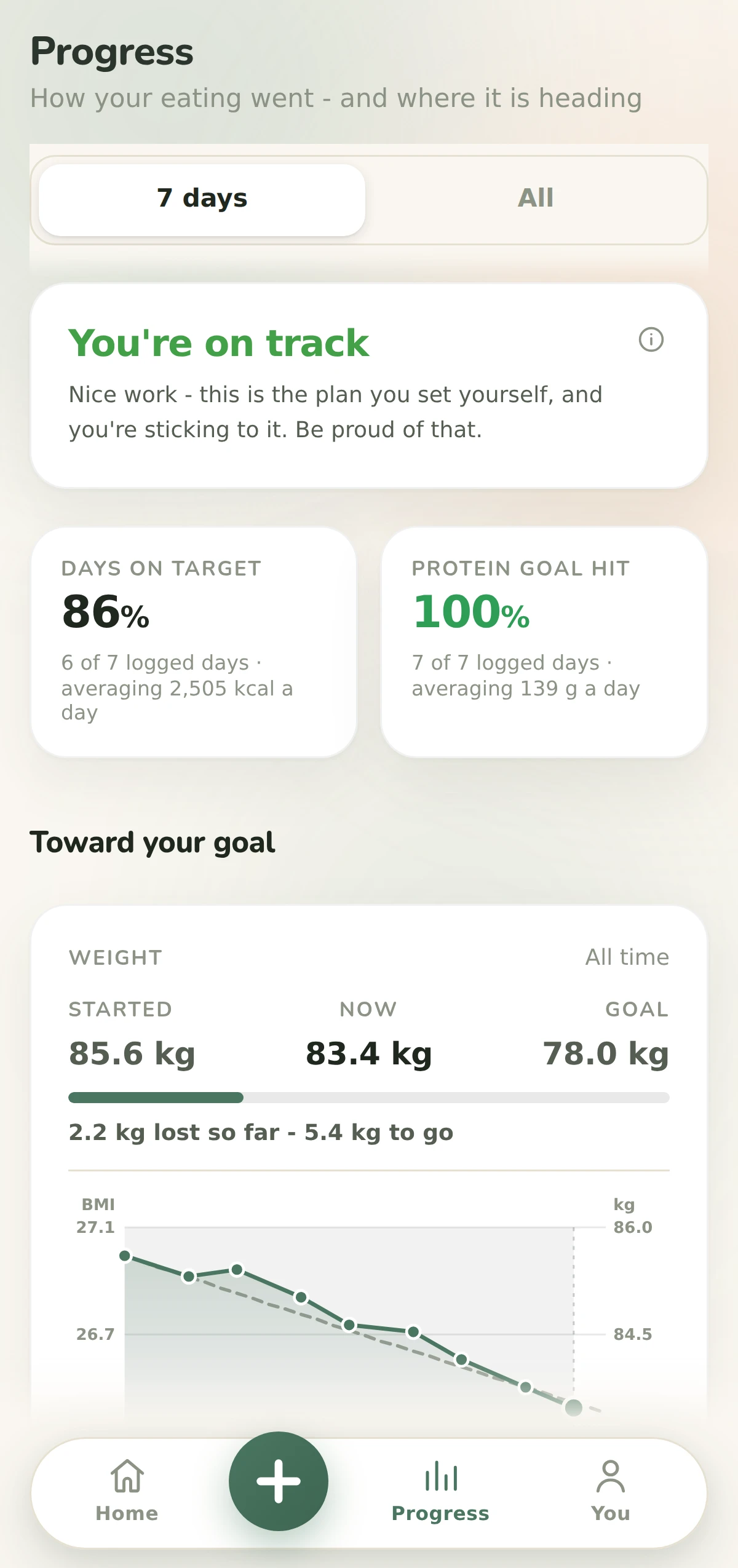
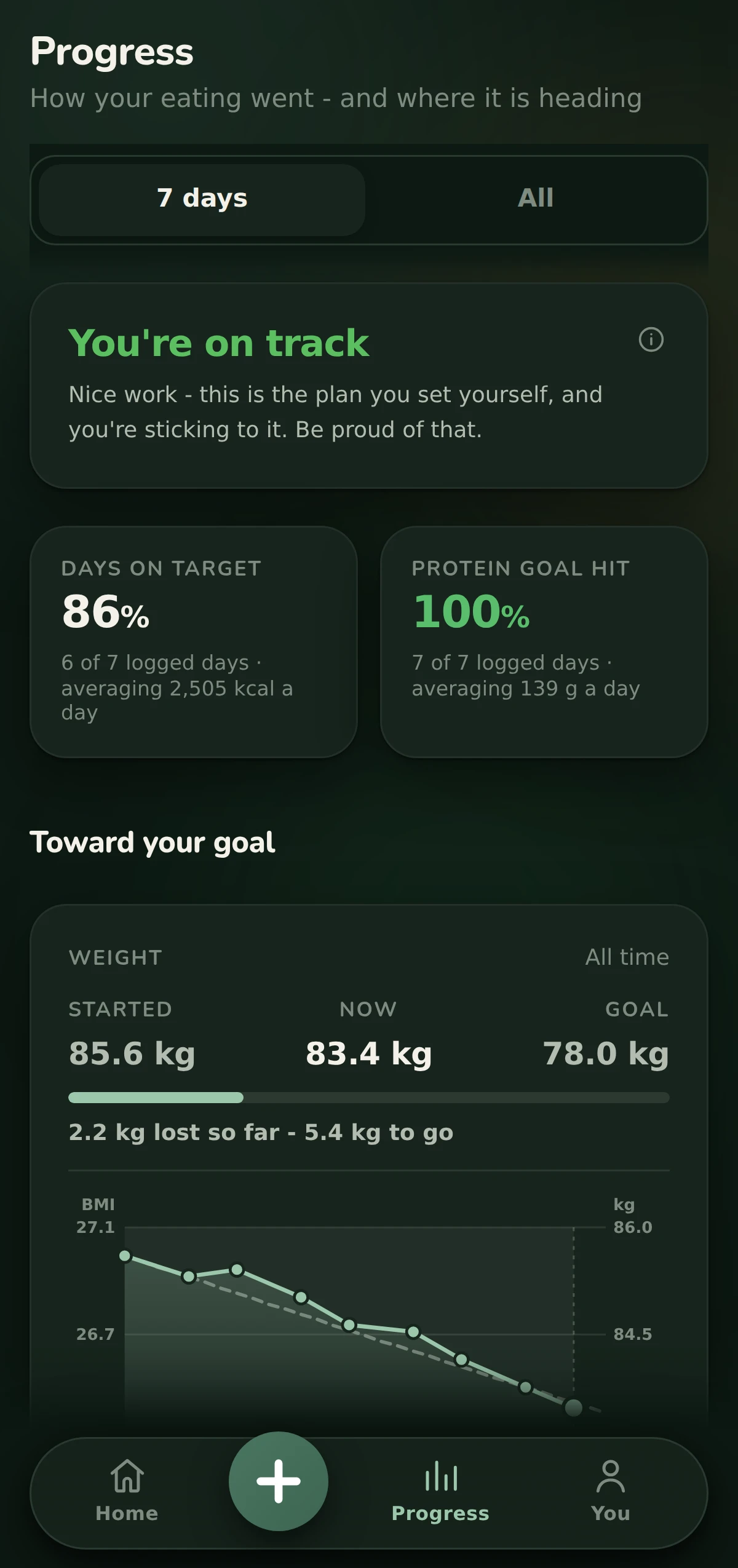
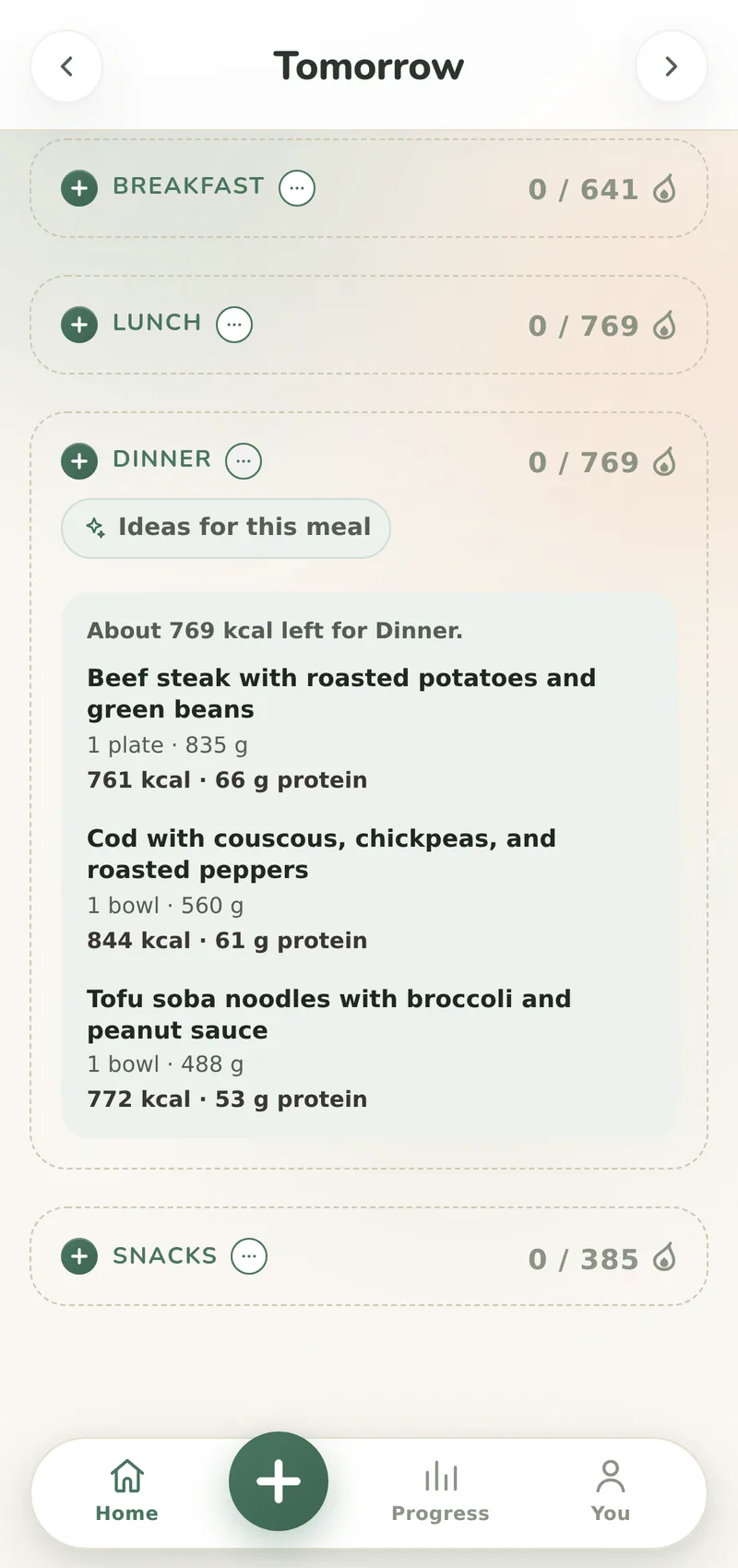
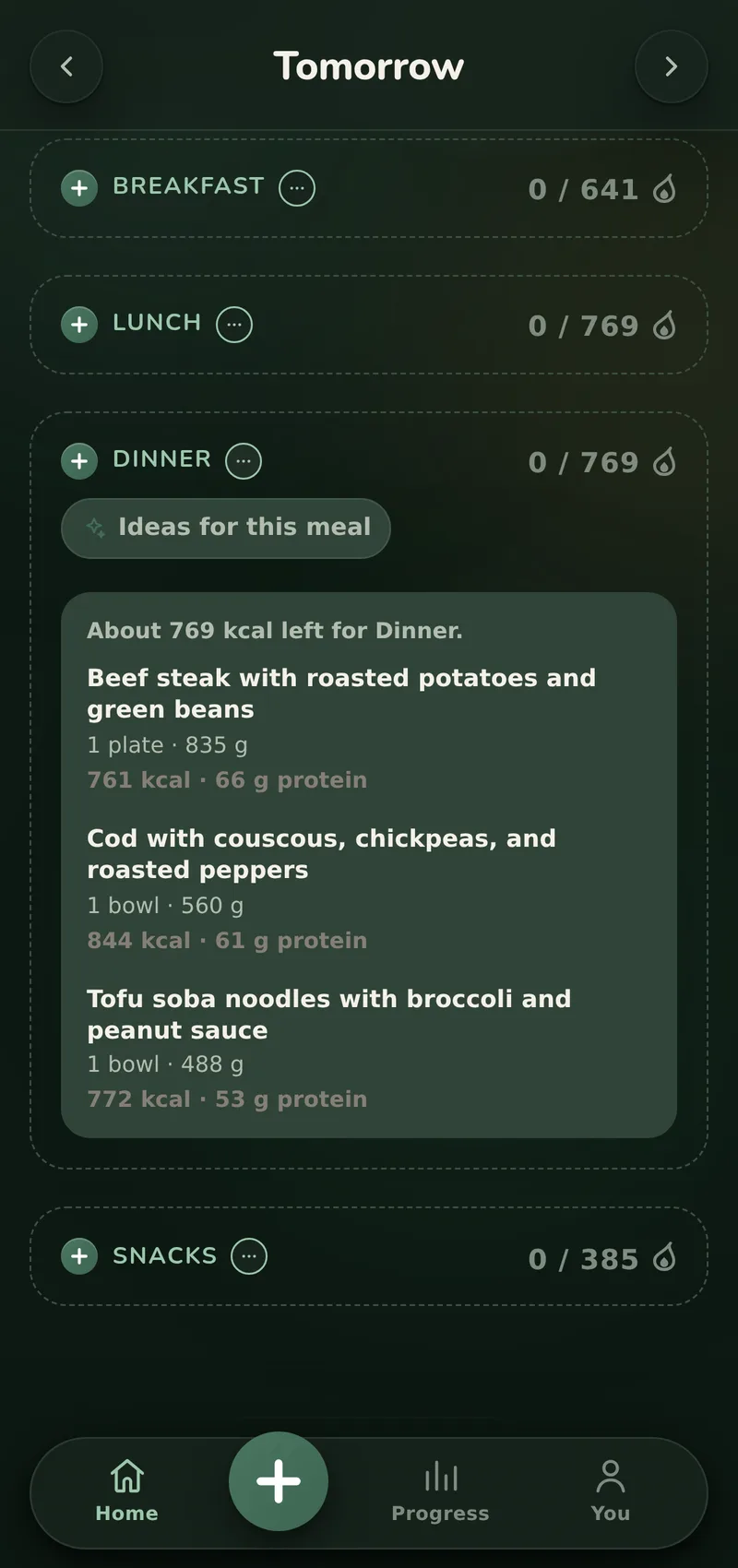
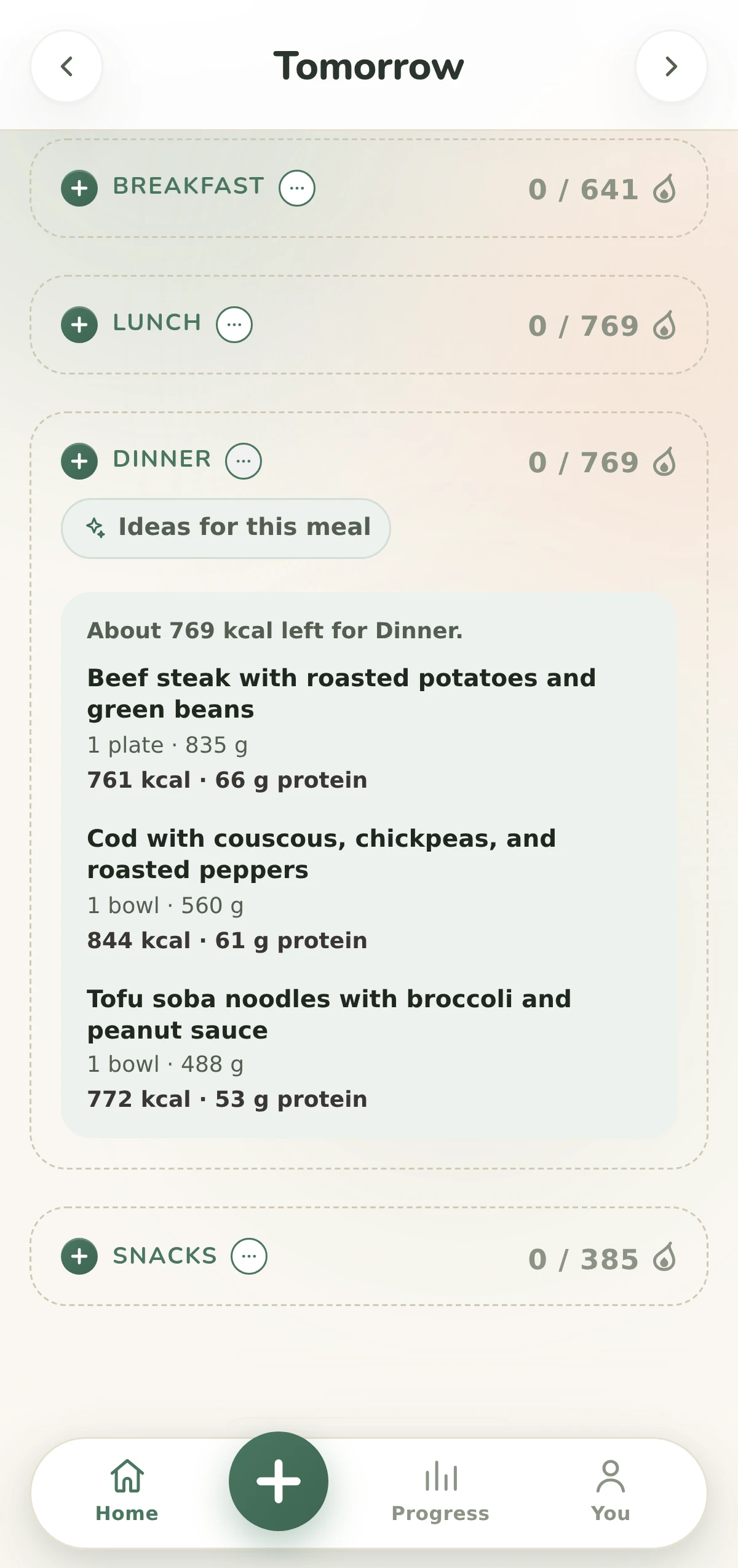
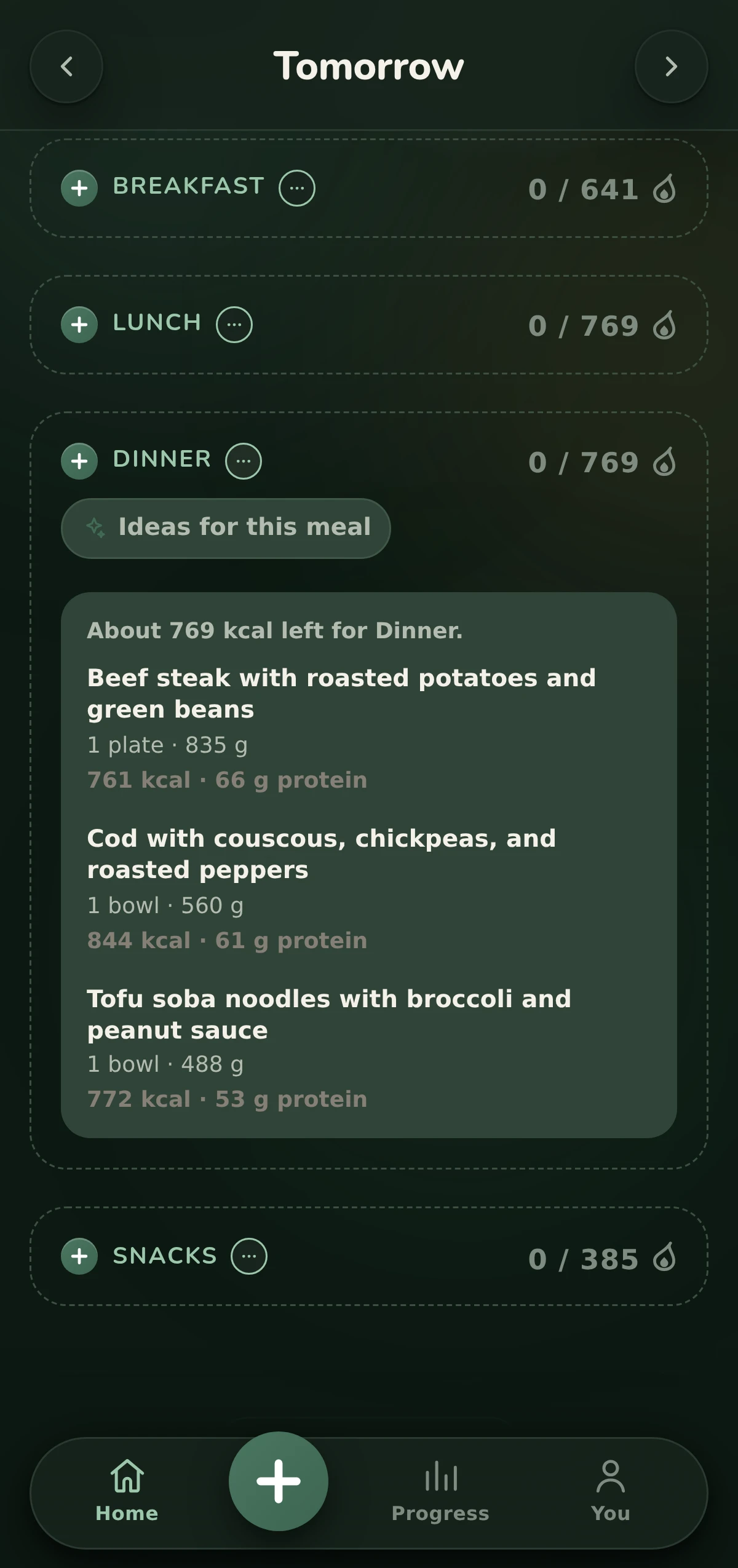
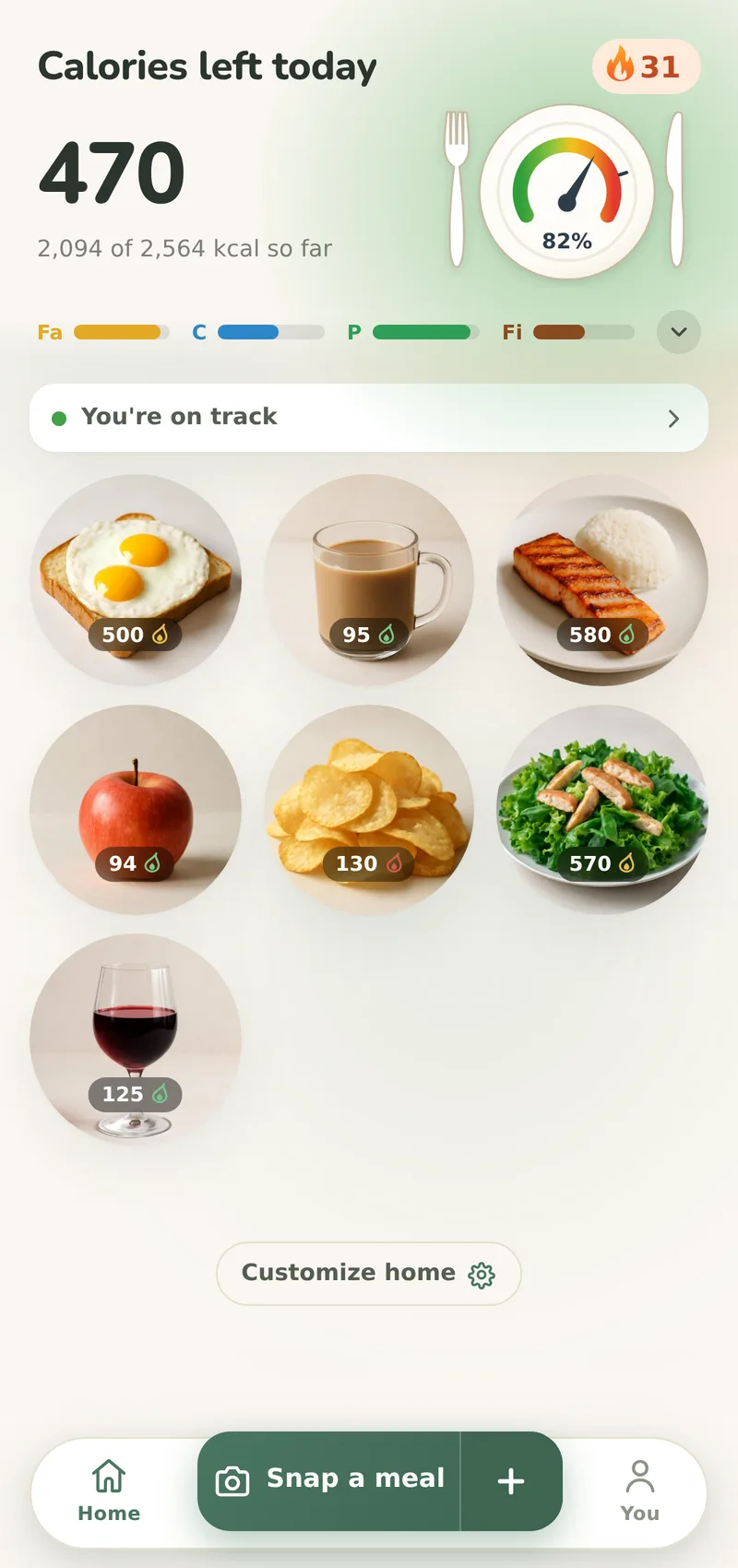
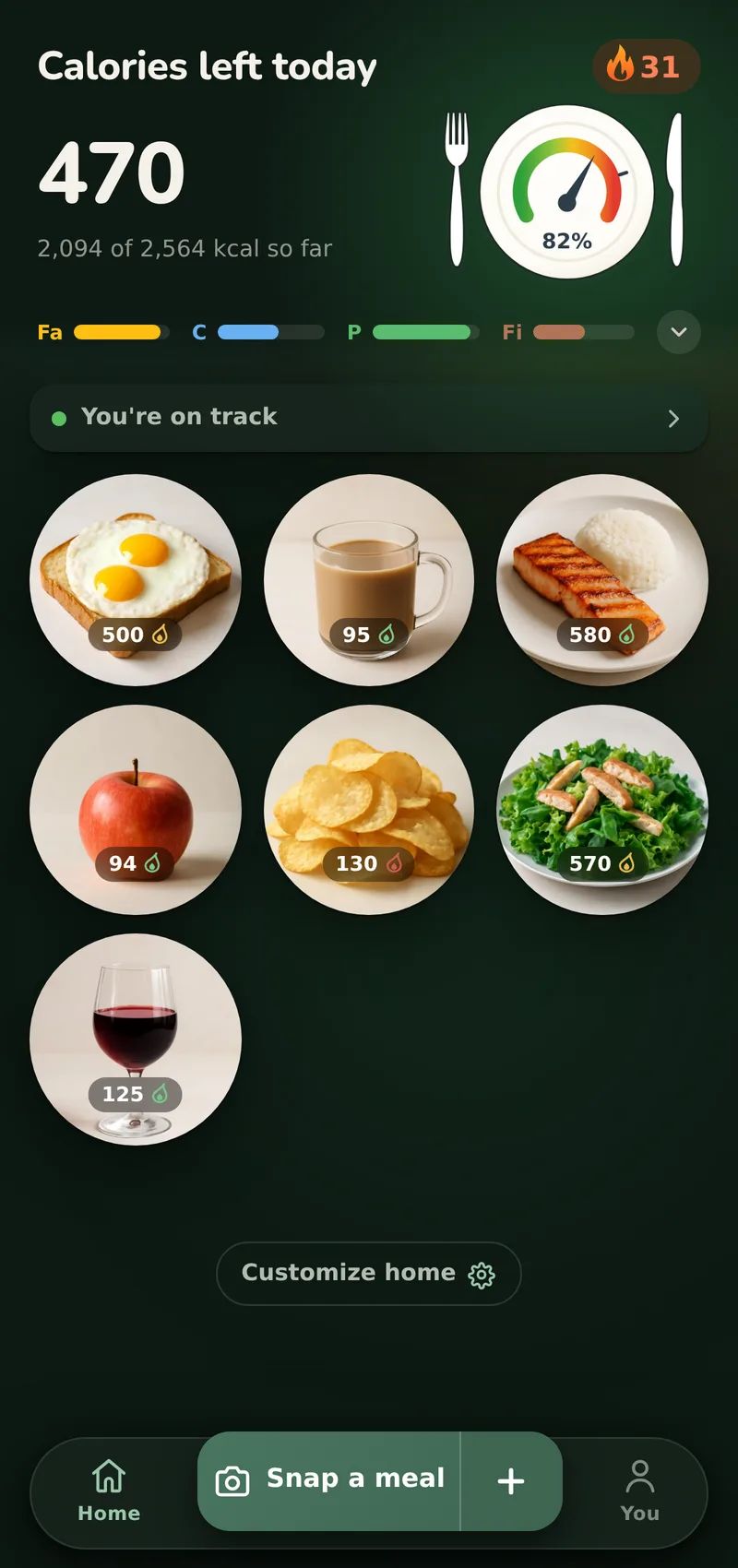
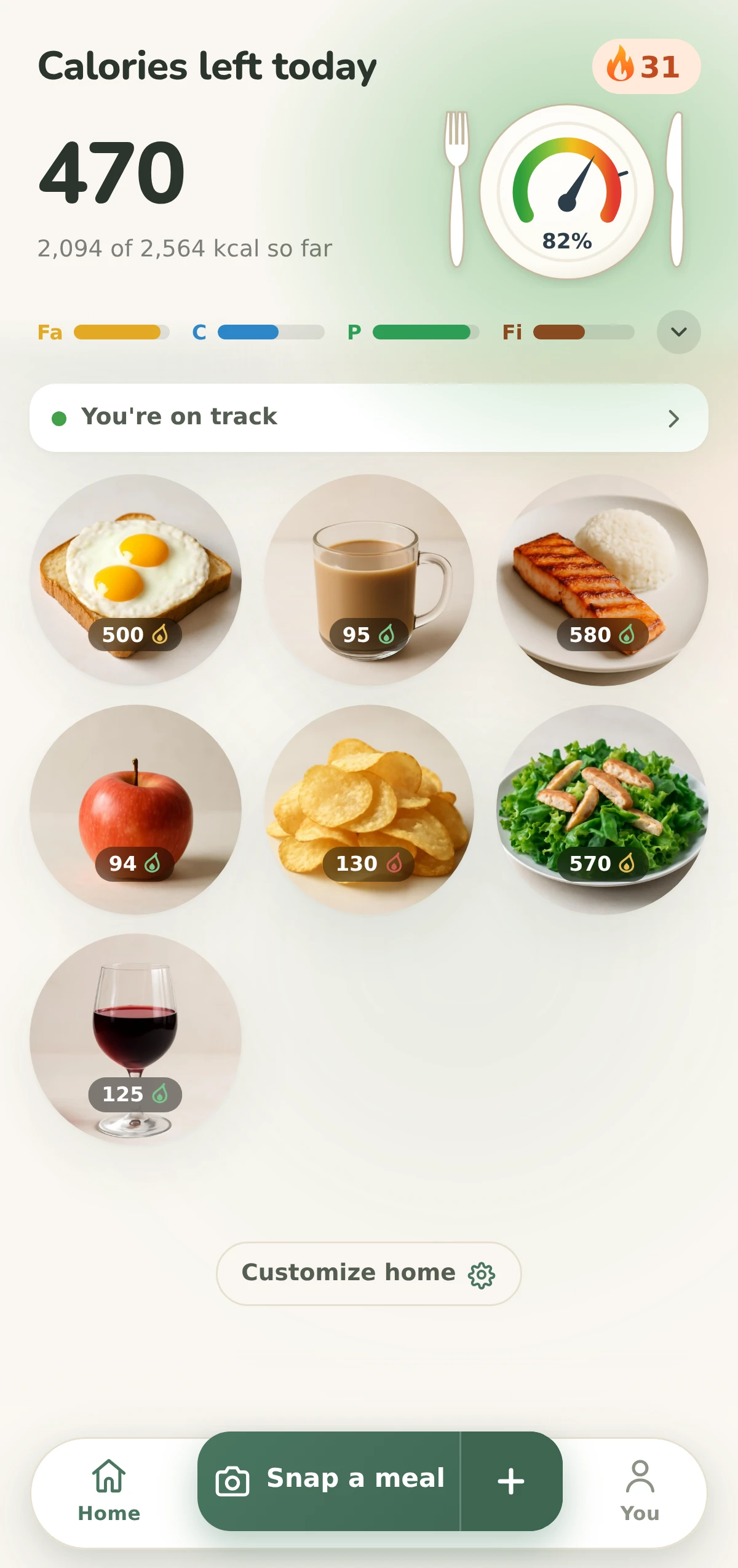
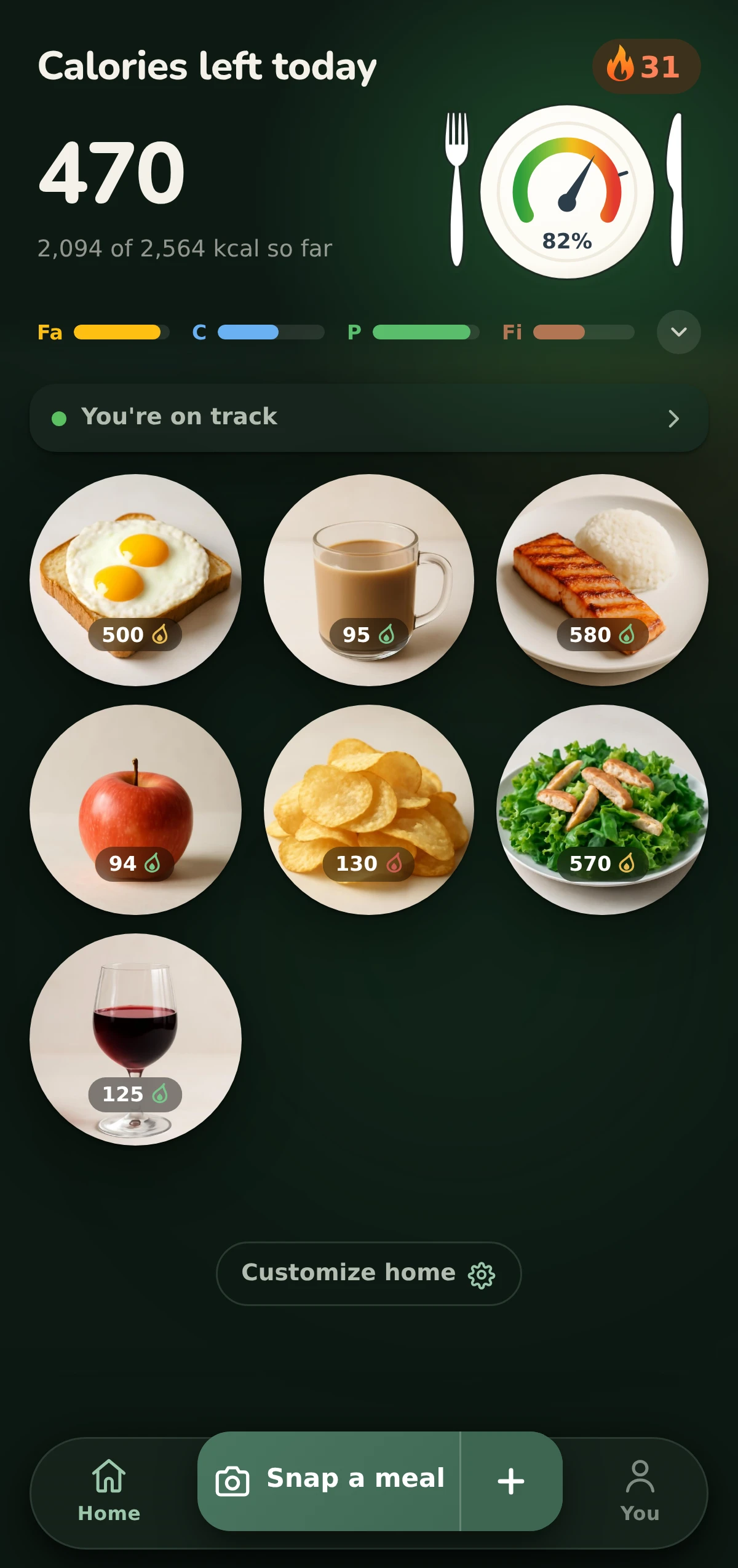
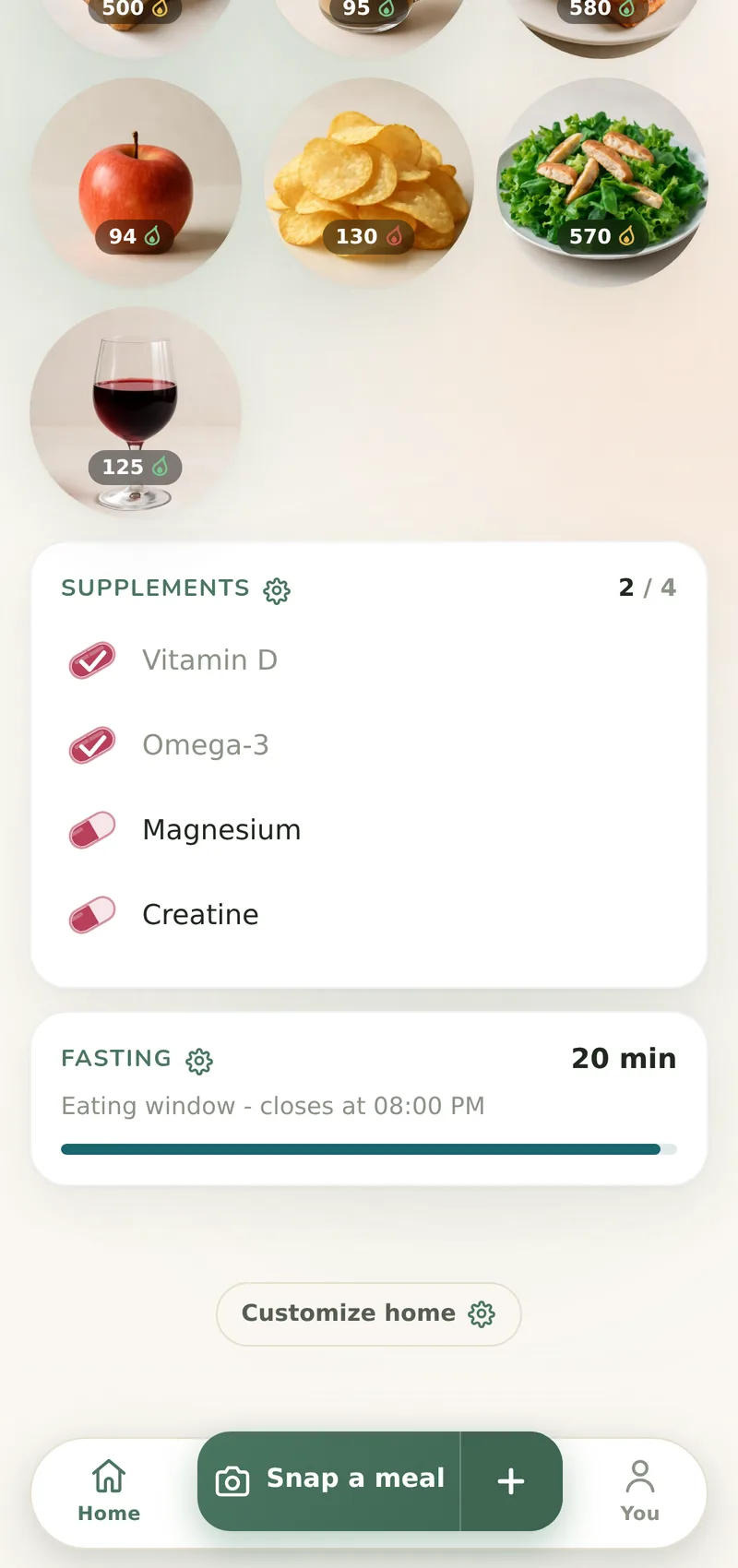
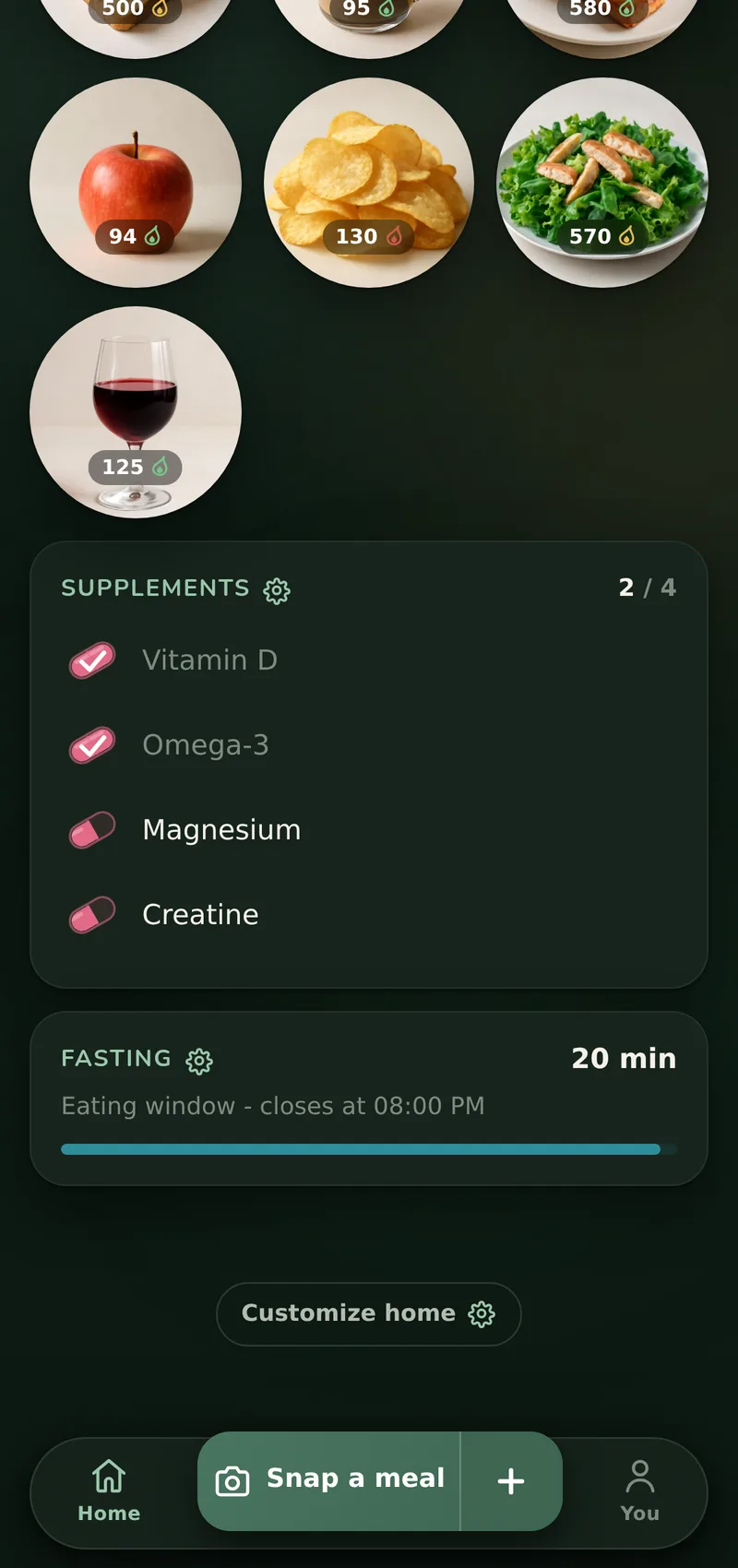
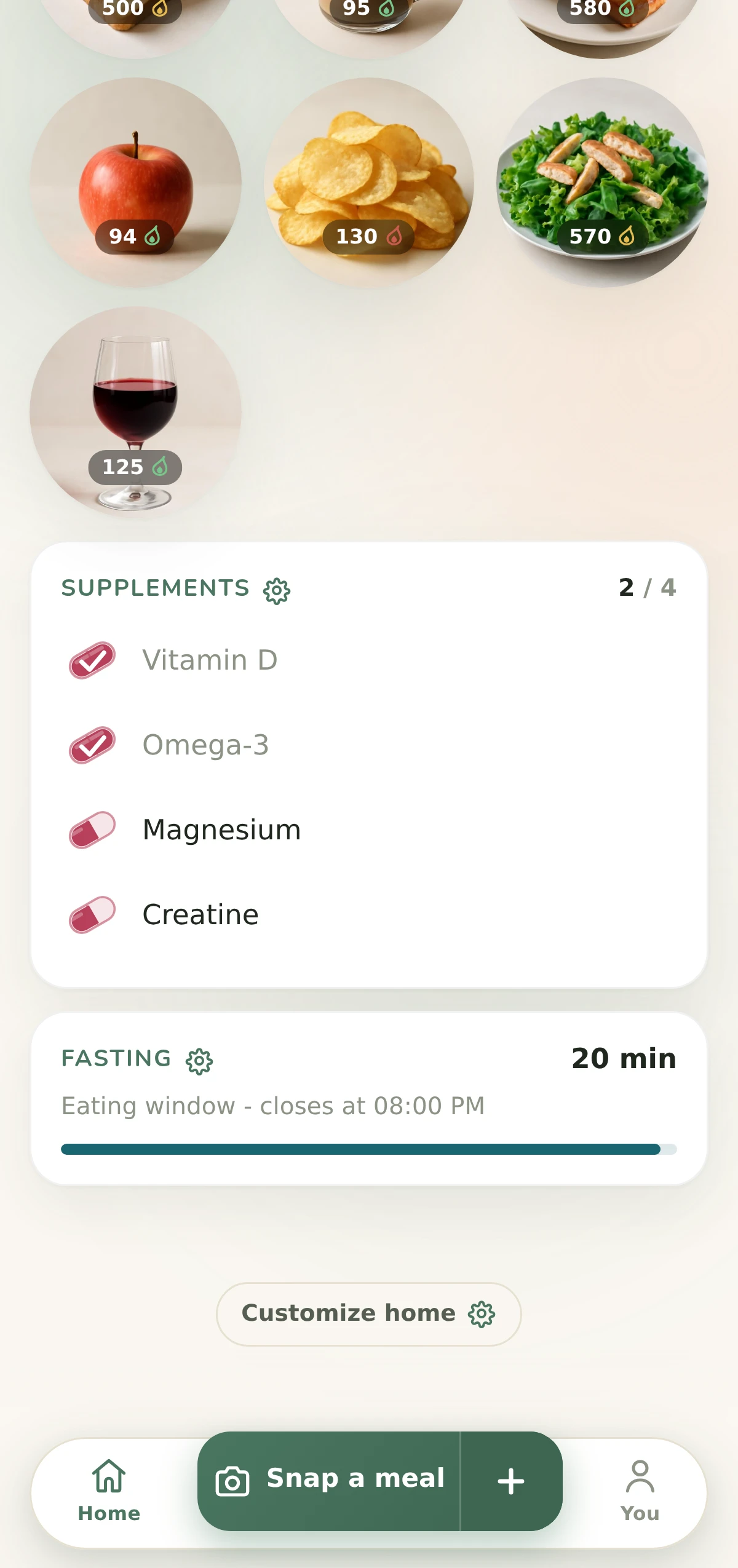
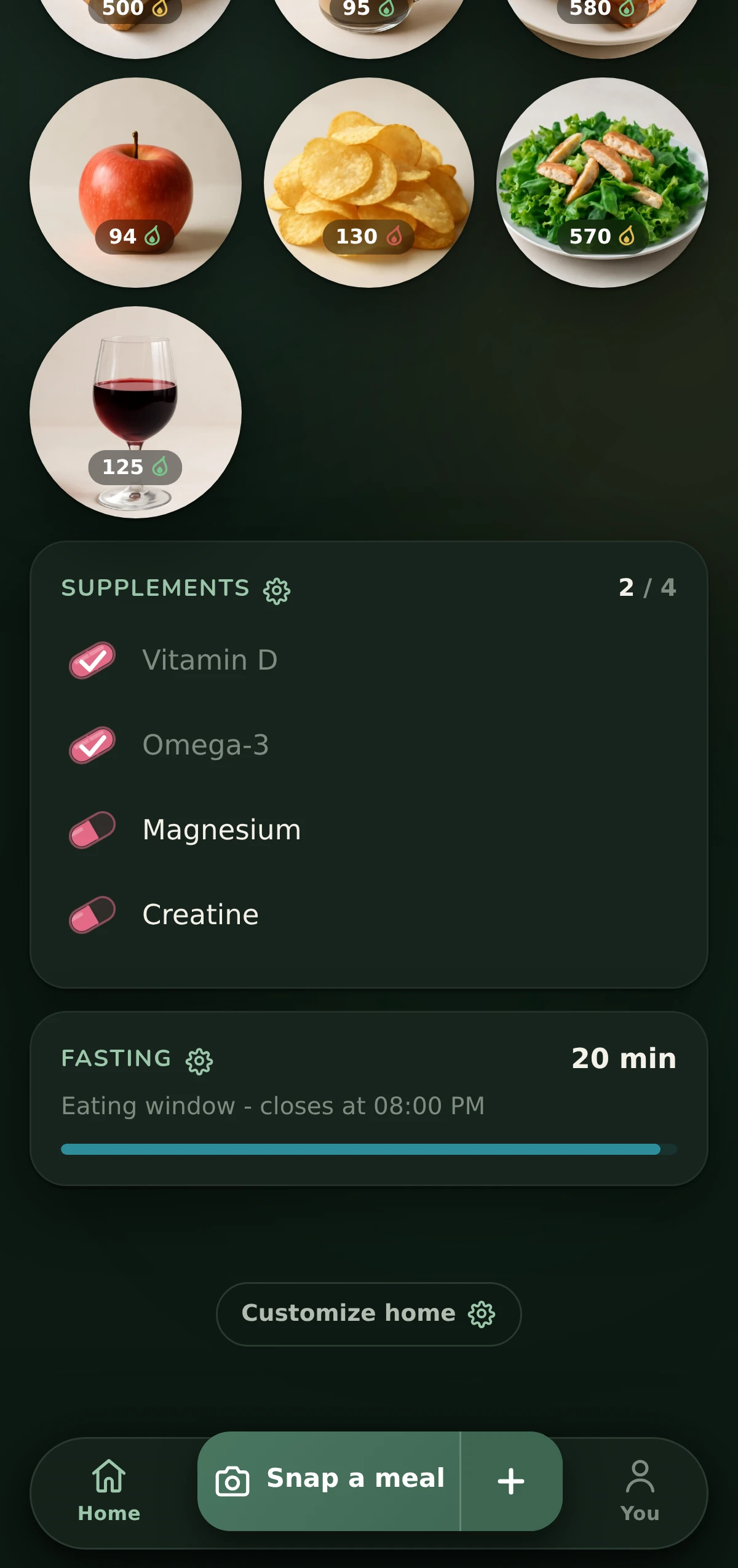
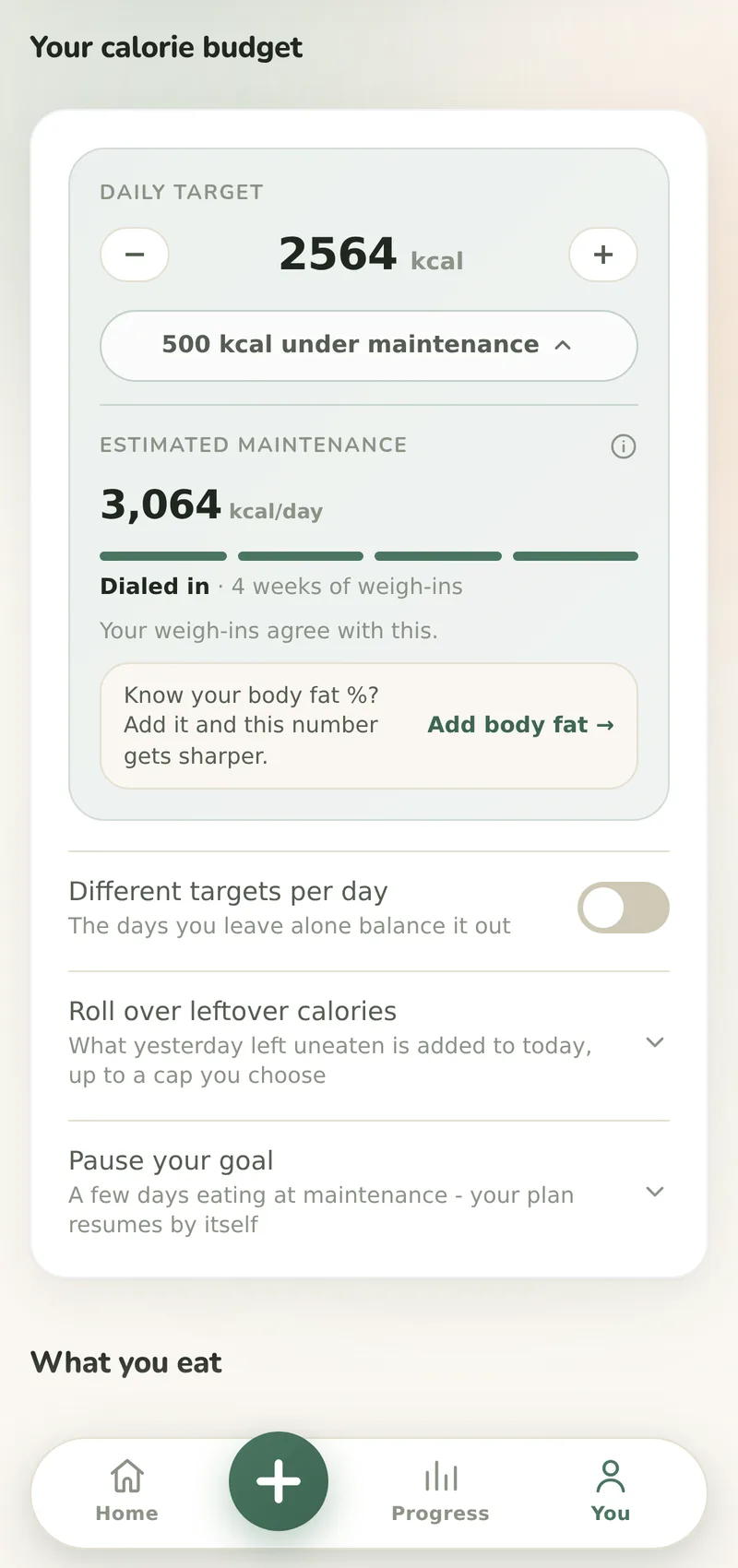
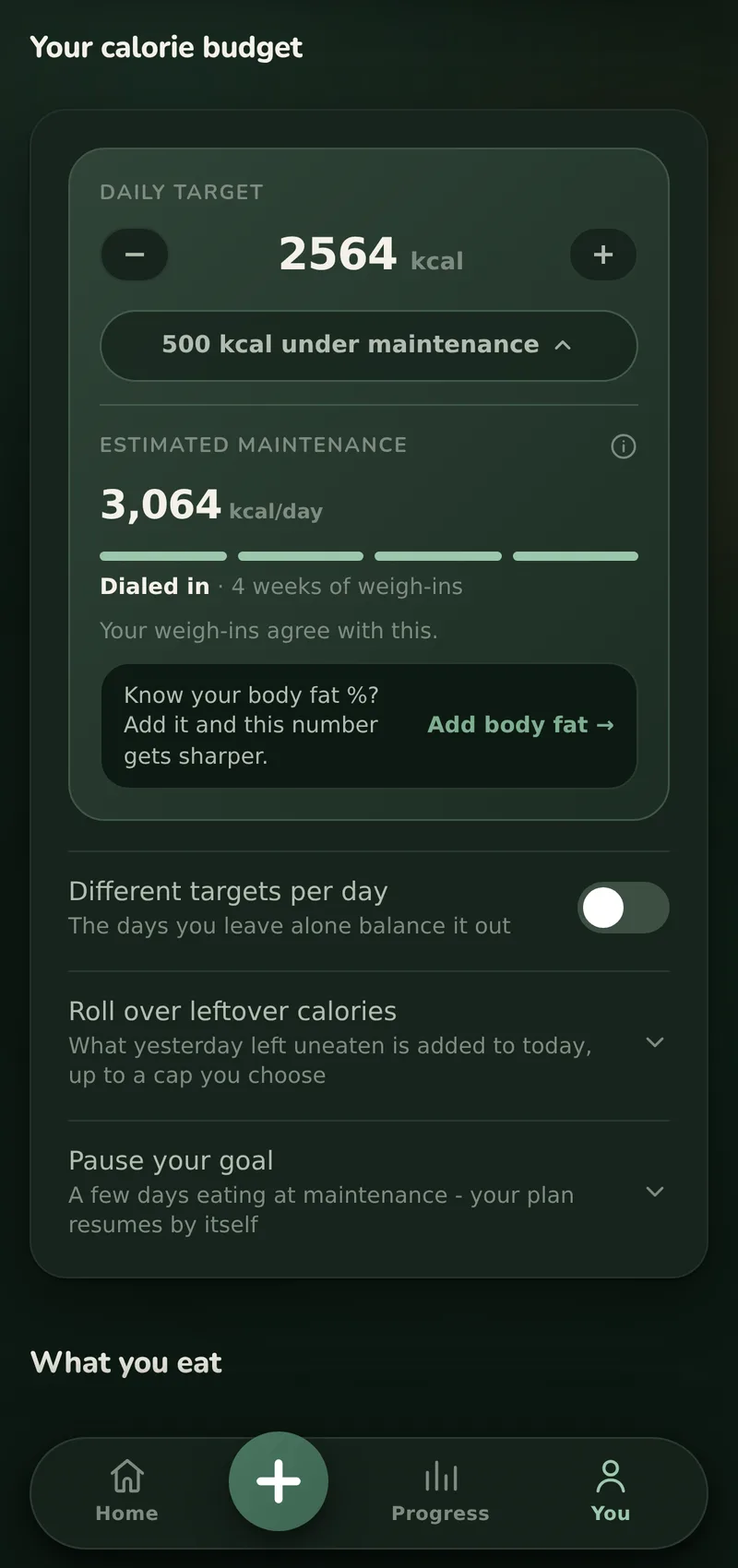
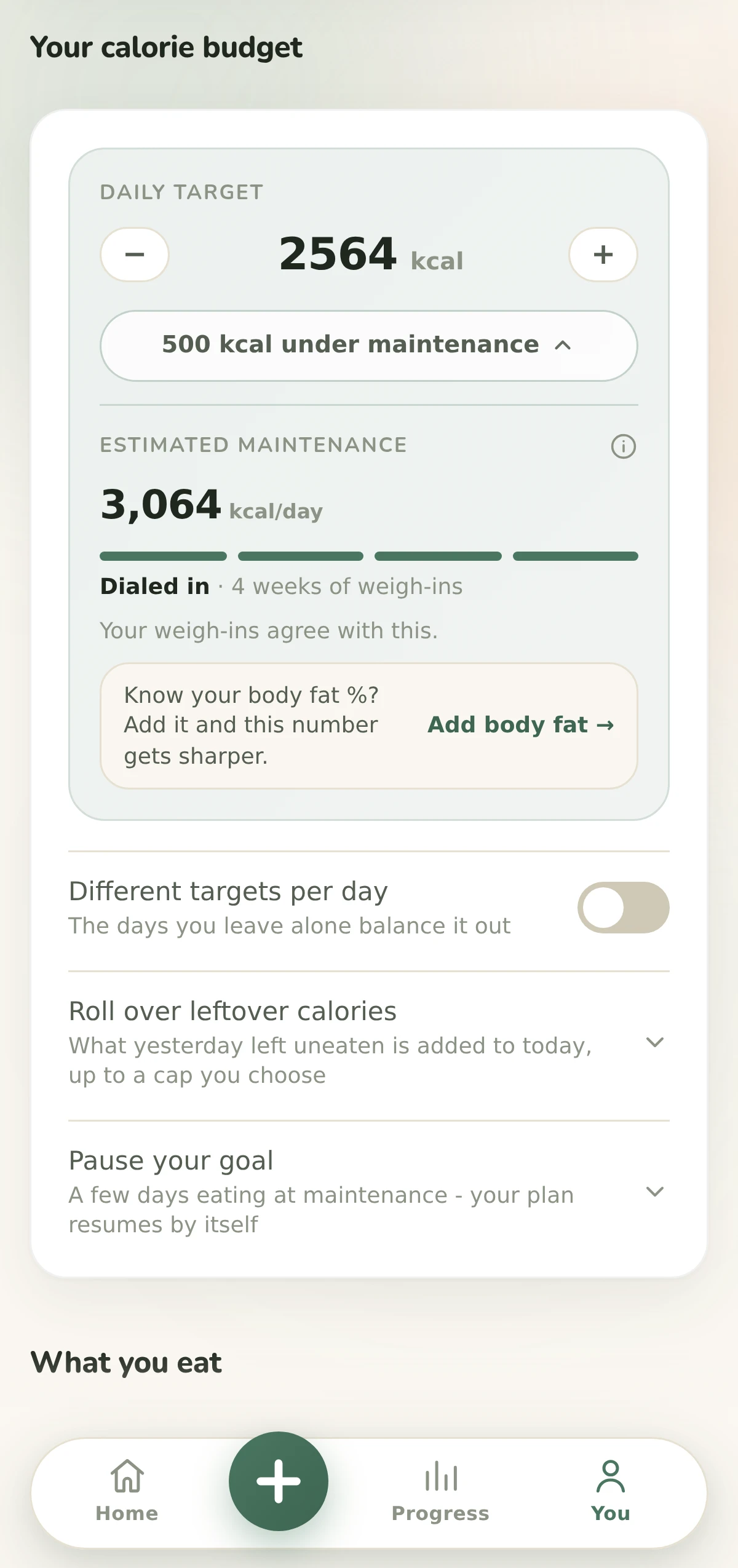
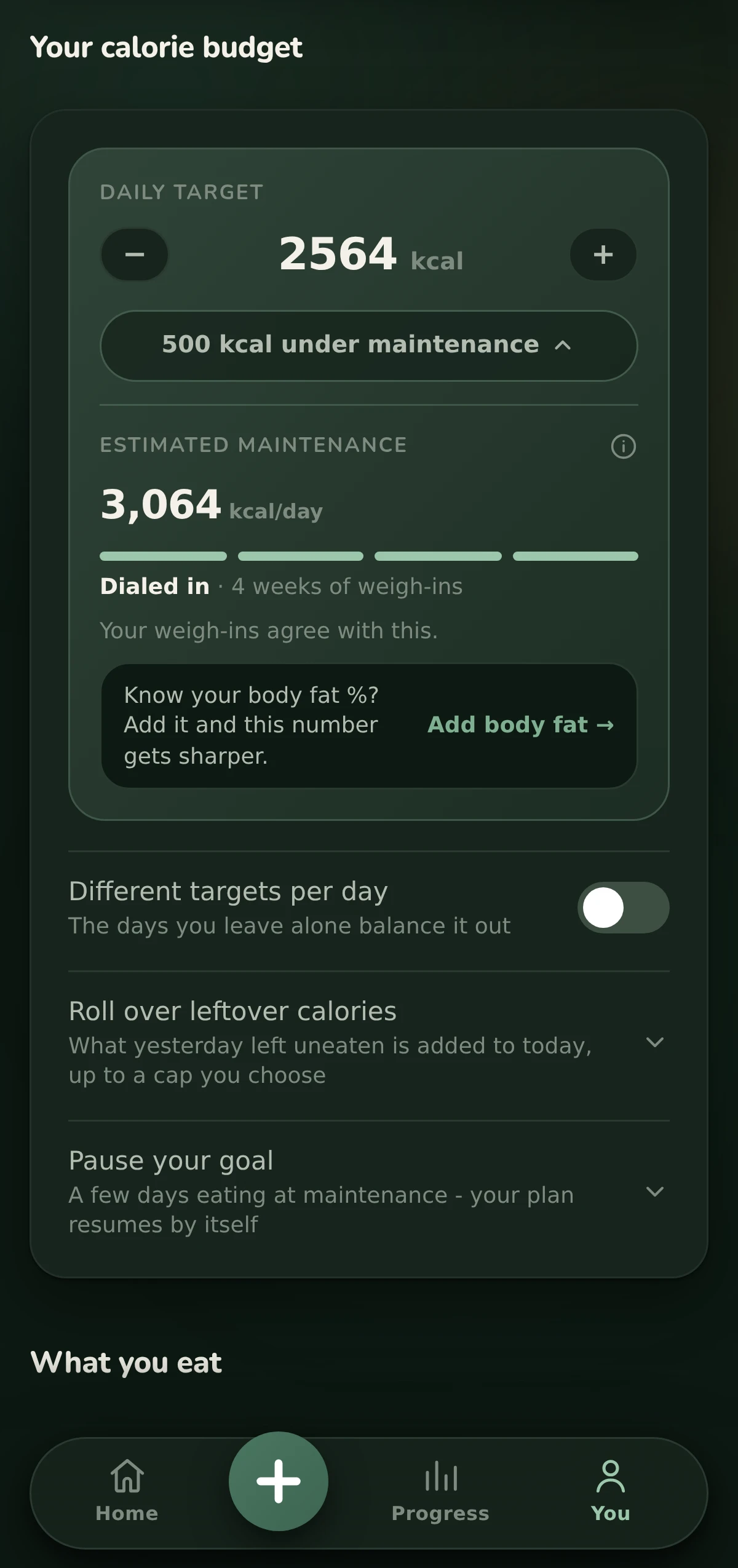
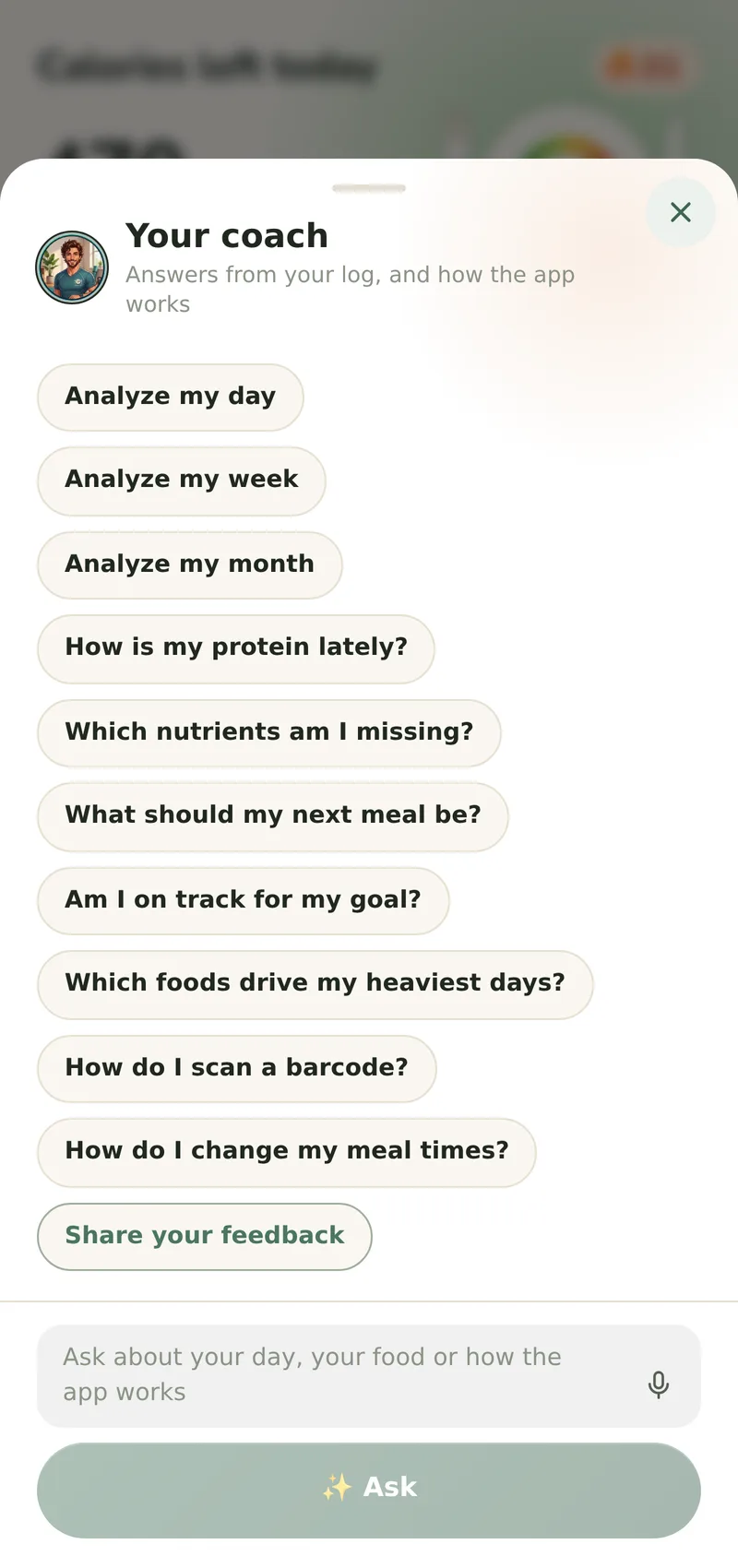
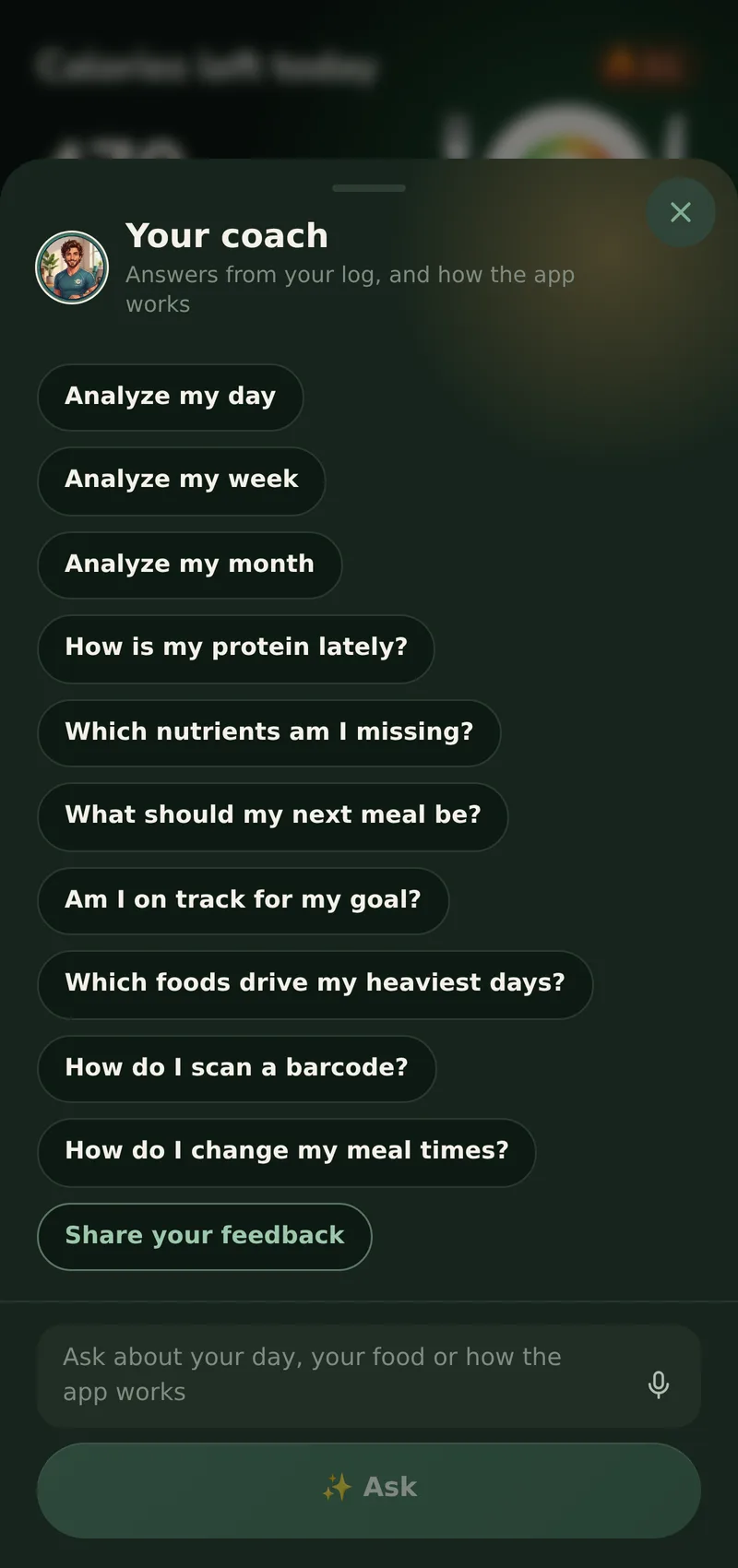
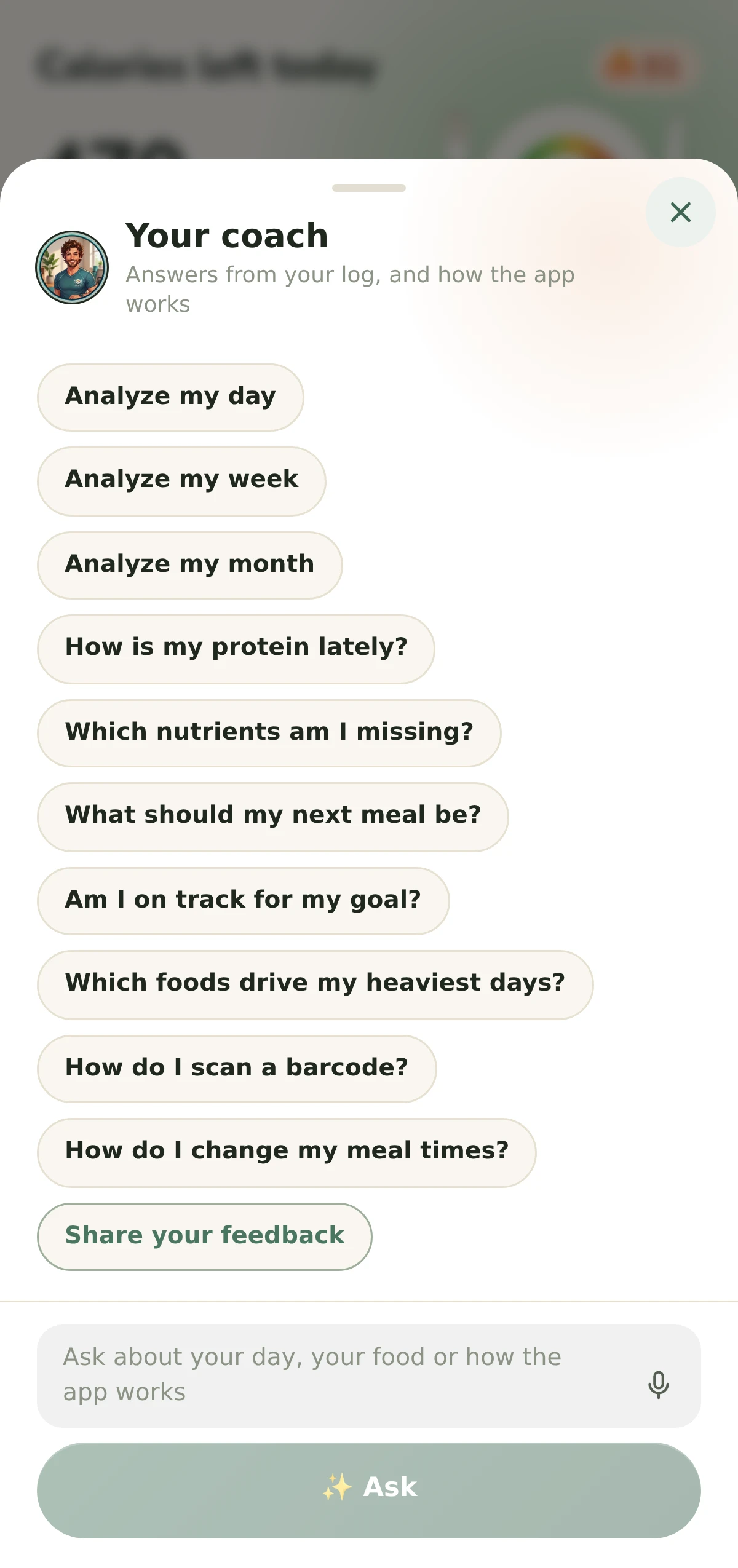
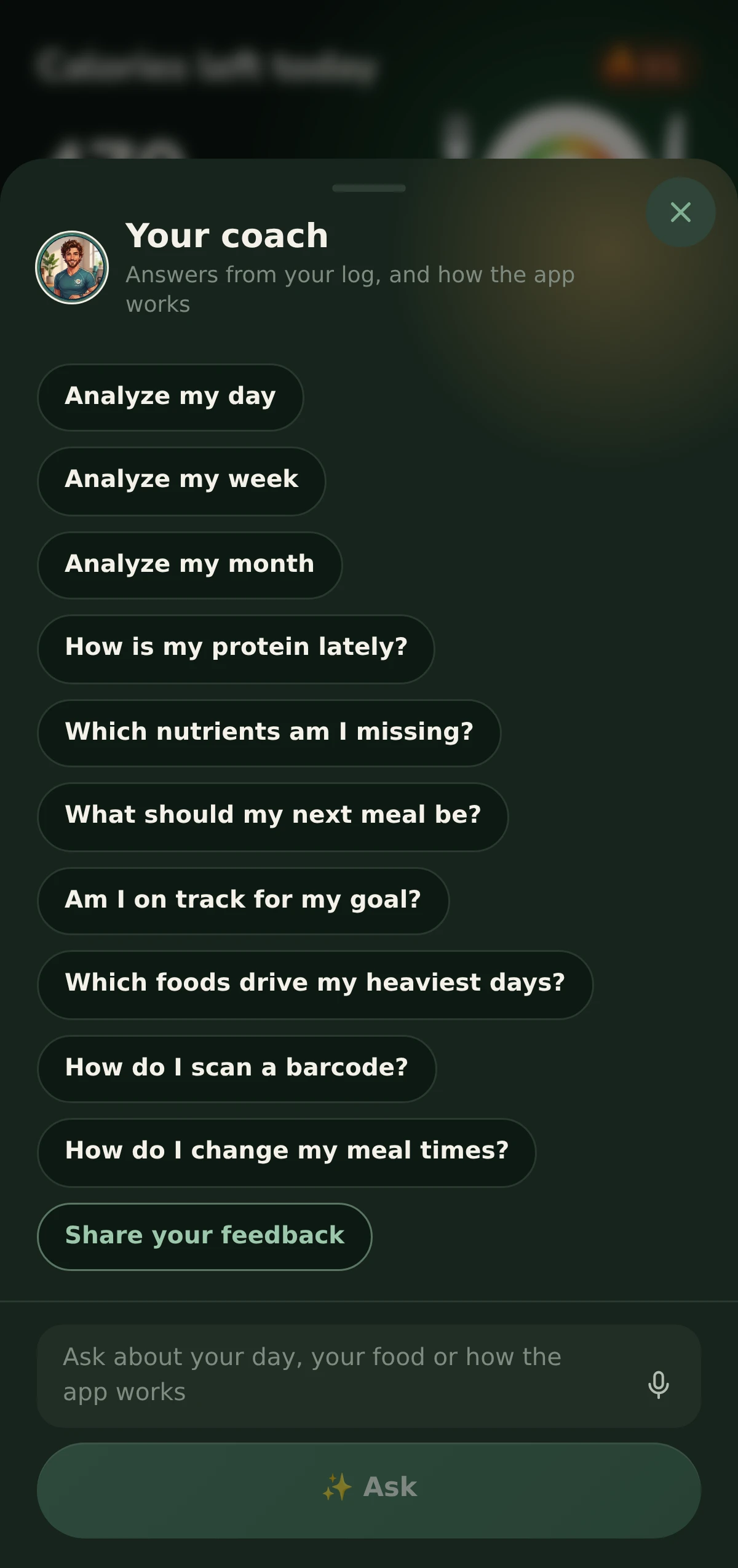
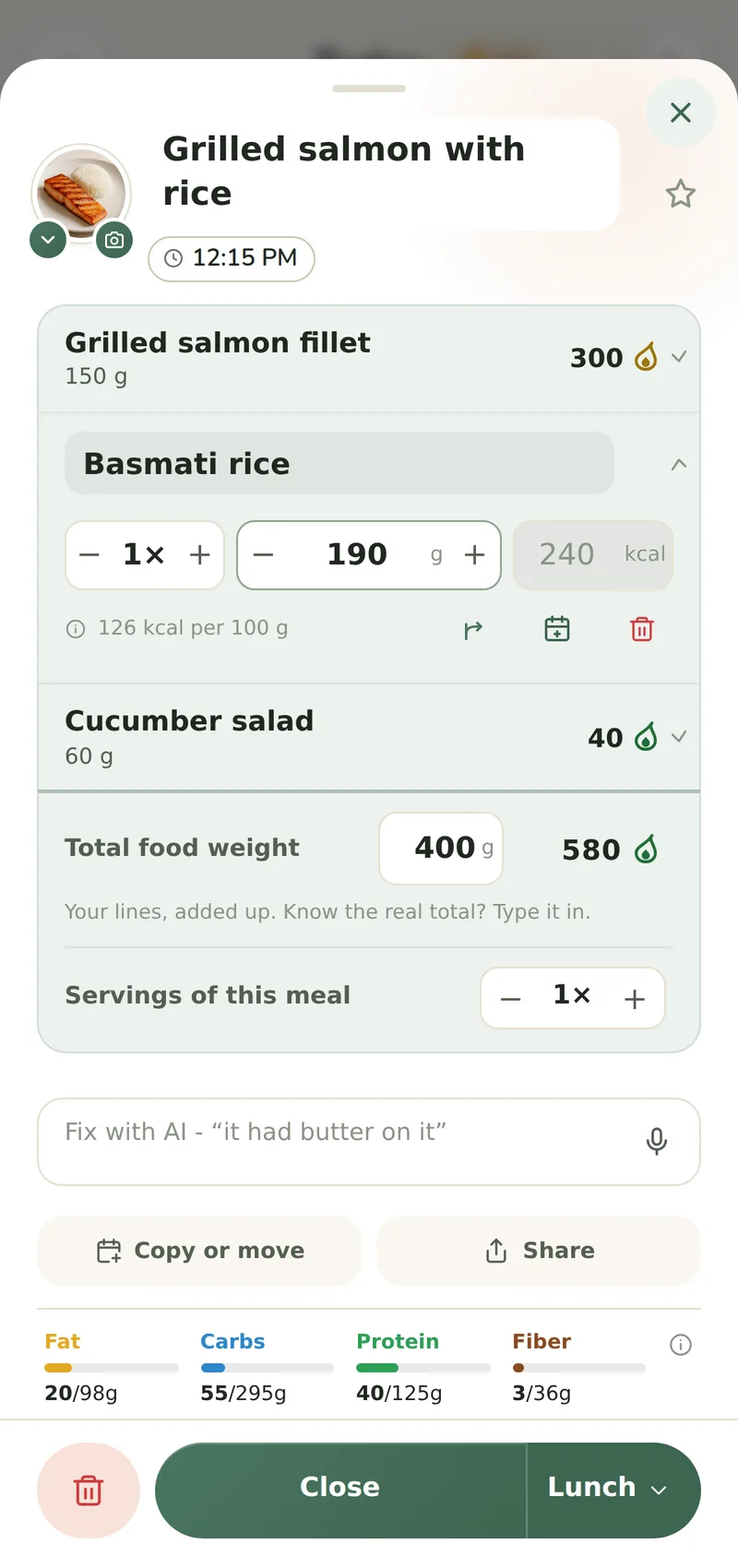
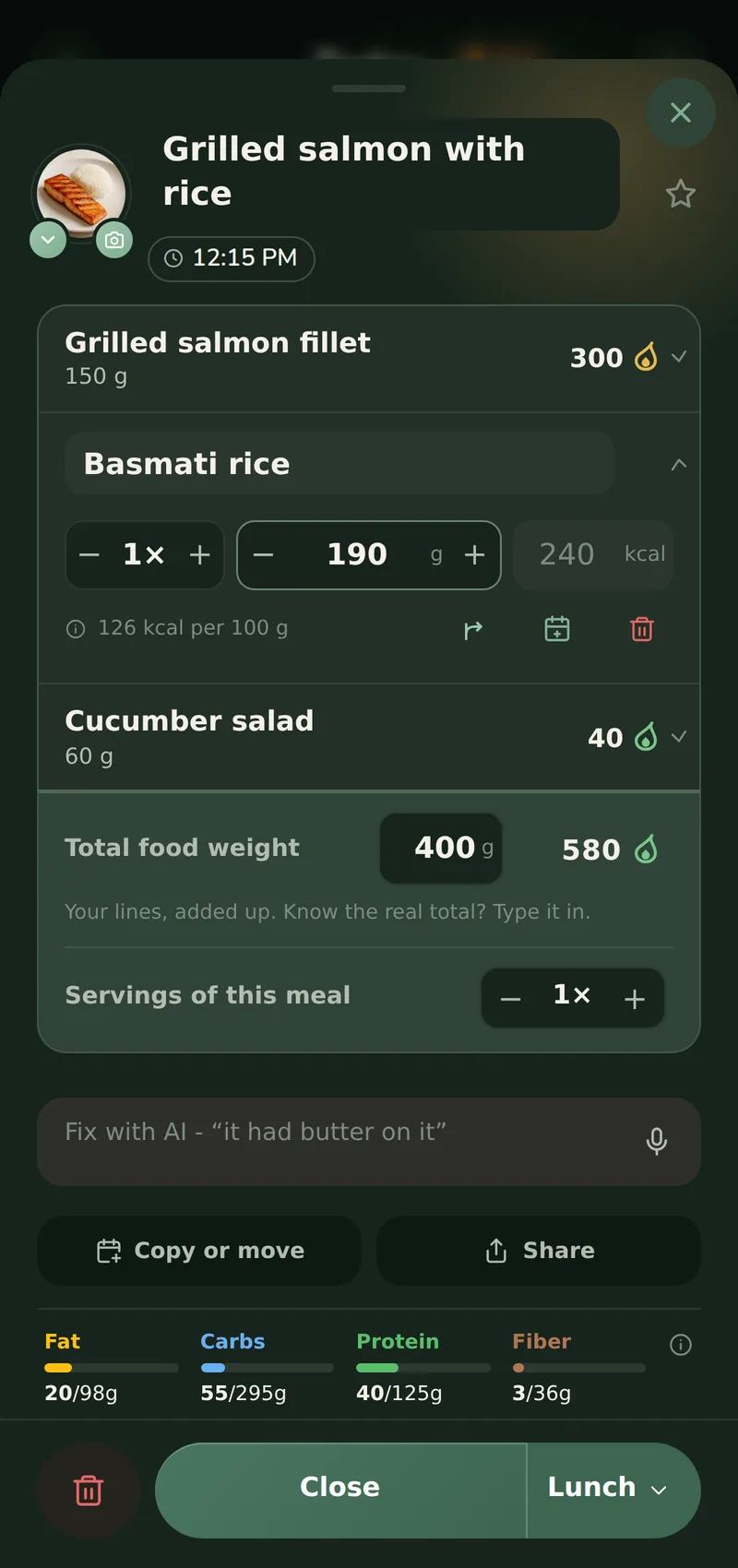
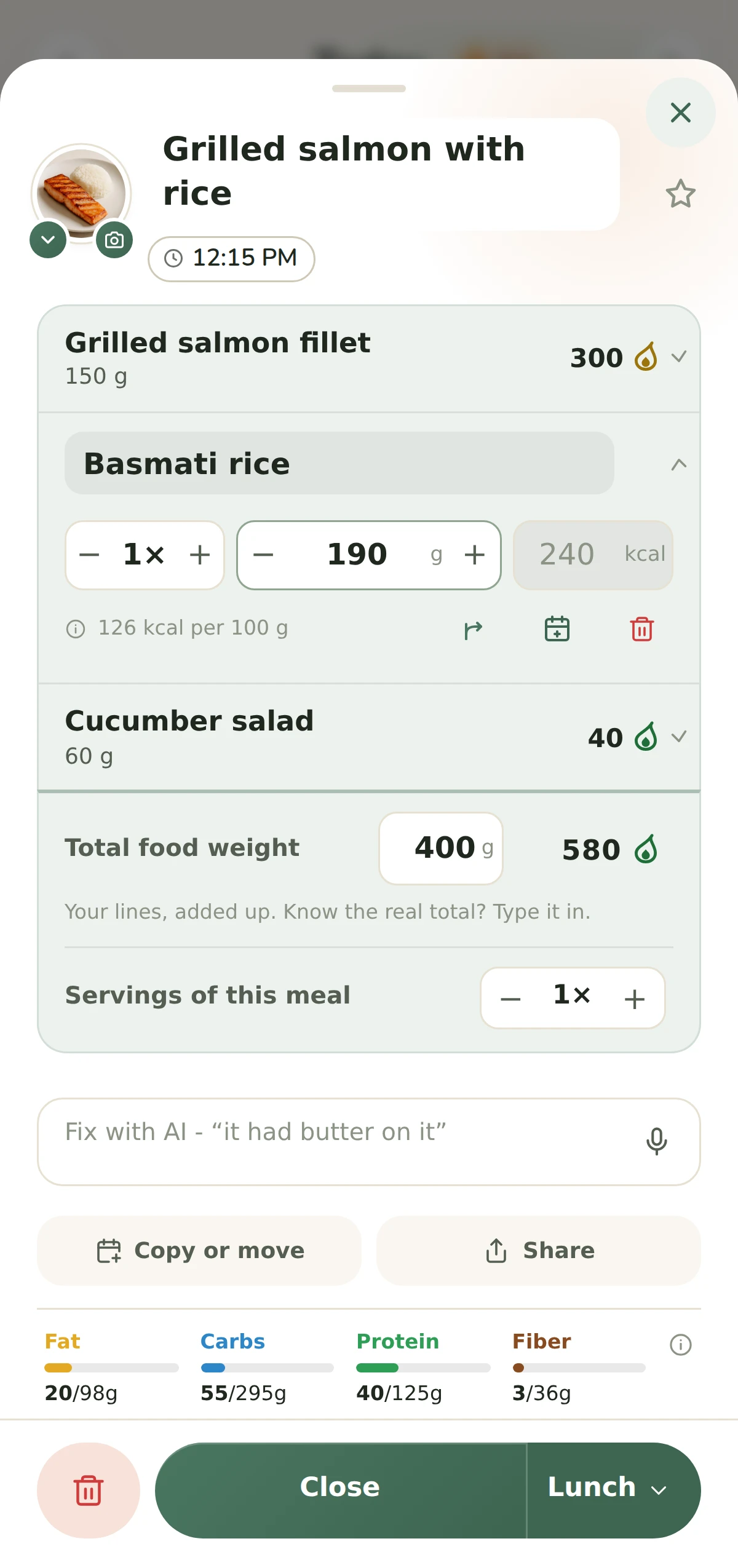
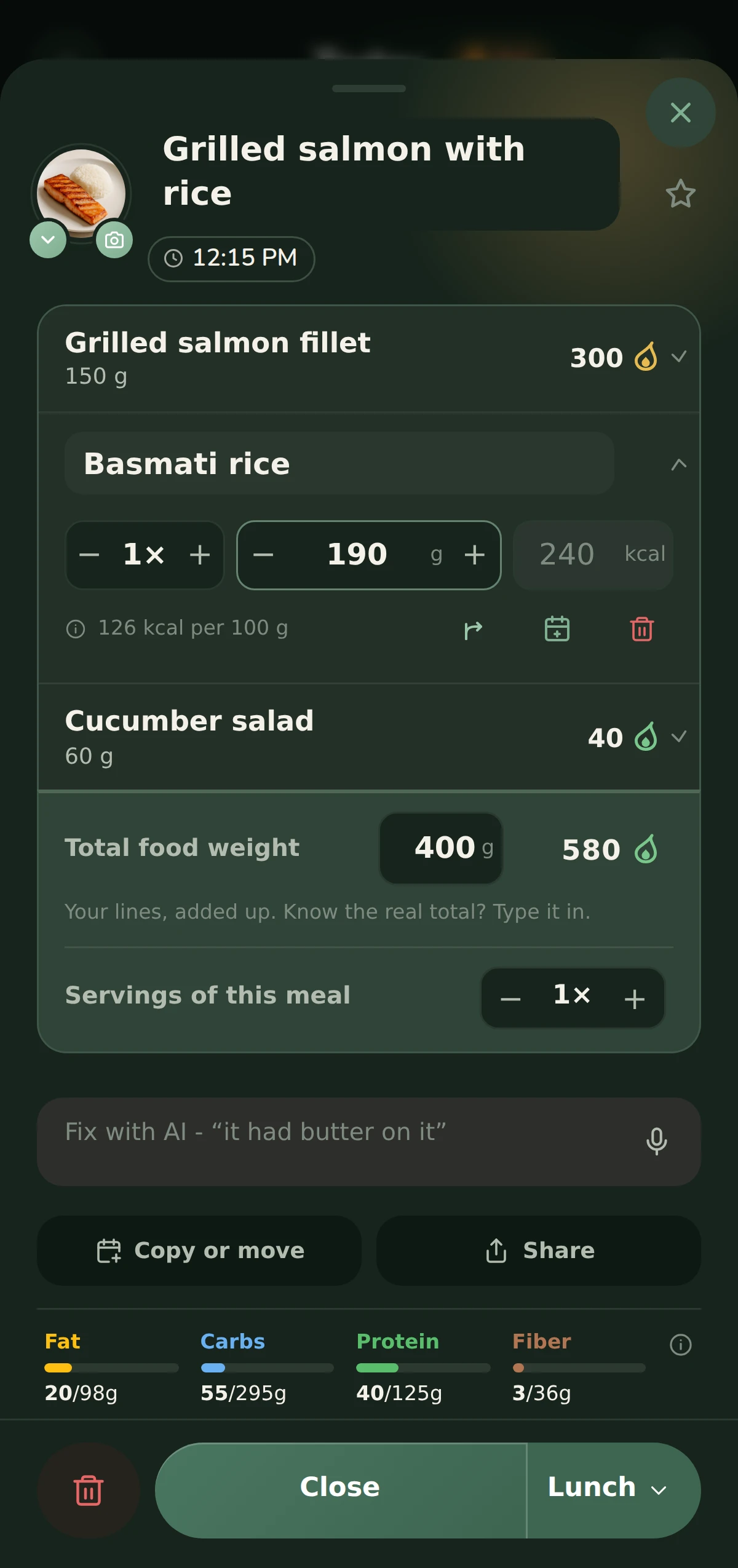
Every screen the site shows, as it is captured: the whole screen, and each one in both the light and the dark theme. The description under each is ours to reuse. They are pictures of the app's layout and its words, taken on a journal seeded for the purpose.
Each comes at two sizes. Take the wide one to publish - it is the capture as the phone drew it, big enough for a full-width picture or for print. The narrow one is the copy this site shows, for a thumbnail or a small inline figure.
The recordings
The clips from the landing page, silent and without a soundtrack to license. Each is cut at its two ends and otherwise unedited, so what is on it is the app's own screen.
- Logging a meal from a photoLight ↓/Dark ↓Home, the plate photographed, the wait, and the meal on the day. Silent, WebM.
- Scanning a barcodeLight ↓/Dark ↓The scanner finding a packet and the product landing in the day. Silent, WebM.
- Describing a mealLight ↓/Dark ↓A meal typed into the describe box, the wait, and the meal on the day. Silent, WebM.
- Asking the coachLight ↓/Dark ↓The chat opened over the journal, a question typed and the answer writing itself. Silent, WebM.
What Measur does not claim
The lines above are what we say about the app. These are the ones we do not, so please do not put them in our mouths - and tell us if you find any of them on this site.
- No accuracy figures
- Measur publishes no figure for how close an analysis lands, and nothing here is evidence of what one returns in general. The screenshots and recordings show the app's layout and its words, on a journal seeded for the picture.
- No prices
- What Measur Pro costs is the store listings' to say, and there are no listings yet. The shape is all the site claims: the tracker costs nothing, for good, and Measur Pro adds the AI, in three plans that differ only in length, each with a trial from the store. So Measur is neither subscription-only nor an AI app that costs nothing: meal photos and the rest of the AI are Pro.
- Nothing medical
- Measur is a food diary and a calorie tracker. It promises no health outcome, no weight loss and no advice, and a piece that has it doing any of those is describing a different app.
- The journal in the pictures is staged
- The month of logged days, the weight line and the meals in every screenshot are seeded to picture the app in normal use. They are nobody's result, and captions here never read them as one.
- One figure about speed, and only this one
- Measur typically answers a photo in under ten seconds. That is a typical wait, not a guarantee - a rare analysis takes longer - and it is the only number about how Measur performs that anyone has measured, so it is the only one to quote.